7/4/2026
GPS Tracking App Development Without Battery Drain
Learn how GPS tracking app development can deliver reliable location features without battery drain using smarter tracking, APIs, and testing.

A GPS feature can make a mobile product feel magical, until it becomes the reason users uninstall it. People will tolerate location access when it clearly improves safety, logistics, navigation, field operations, or convenience. They will not tolerate a phone that is warm in their pocket by lunch.
That is the core challenge of GPS tracking app development without battery drain: not eliminating power usage entirely, which is impossible, but designing location behavior so the app only spends energy when the product value justifies it.
The best GPS apps are not the ones that request the highest accuracy every second. They are the ones that know when precision matters, when an approximate fix is enough, when to sleep, and when to let the operating system do the work. For founders, that design discipline can be the difference between a promising product and a retention problem disguised as a technical issue.
Why GPS tracking drains battery in the first place
GPS is only one part of the battery story. A location-tracking app can drain power through the GPS receiver, cellular radio, CPU wakeups, background execution, map rendering, and network sync. Many products optimize one layer while ignoring the others, which is why battery complaints continue even after the team reduces location frequency.
Modern iOS and Android devices combine multiple signals to estimate location, including GPS, Wi-Fi, Bluetooth, cellular towers, barometer data, and motion sensors. High-accuracy GPS outdoors can be useful, but it is power-intensive. Indoors or in dense cities, the device may work harder to acquire and maintain a reliable fix, which can increase energy use without improving the user experience.
| Battery cost source | Why it drains power | Better design approach |
|---|---|---|
| High-accuracy GPS | Keeps the location hardware active and may struggle in poor signal areas | Use only during active trips, navigation, or safety-critical moments |
| Frequent network uploads | Wakes the cellular radio often, especially on weak networks | Batch updates and send only meaningful changes |
| Background wakeups | Prevents the app from staying idle when it should | Use geofences, significant changes, or OS-managed triggers |
| Map updates | Continuous rendering and camera movement consume CPU and GPU | Update the visible map only when the user is watching |
| Poor retry logic | Failed uploads can loop and waste battery | Use backoff, local queues, and connectivity-aware sync |
Battery efficiency is not a single setting. It is an architecture decision.
Start with the tracking promise, not the GPS interval
A common mistake is starting the technical conversation with a question like, How often should we capture location? A better question is, What does the user or business need to know, and how fresh does that information need to be?
For example, a delivery dispatcher may need a driver’s position every few seconds during an active route. A family safety app may only need frequent updates when someone is traveling, arriving, or leaving a trusted place. A fleet maintenance app may care more about trip summaries than second-by-second dots on a map.
If you are still shaping the product requirements, it helps to define the goal, tracking model, permission strategy, and user expectations before engineering begins. Appzay’s guide on planning a GPS tracking mobile app that works covers that product-planning layer in more detail.
| Product scenario | Recommended tracking style | Battery implication |
|---|---|---|
| Turn-by-turn navigation | Continuous high-accuracy tracking while navigation is active | Higher drain, but user expects it during the session |
| Delivery or ride tracking | Frequent updates only during an active job or trip | Manageable if tracking stops cleanly after completion |
| Field team check-ins | Event-based location with occasional confirmation | Lower drain and simpler permissions |
| Family safety or location sharing | Adaptive tracking based on motion, geofences, and user status | Efficient if stationary states are handled well |
| Asset or place monitoring | Geofencing and periodic validation | Low drain when designed around OS triggers |
The more clearly you define the product promise, the easier it becomes to choose the least expensive location method that still meets the user need.
Use adaptive tracking instead of one fixed mode
Battery-efficient GPS apps behave differently depending on context. They do not use the same tracking policy when a user is sitting at home, walking to a parking lot, driving on a highway, and completing a job.
An adaptive tracking system usually works like a state machine. The app transitions between states based on user action, motion, location confidence, geofence events, and backend rules.
| App state | What the app should do | Example trigger |
|---|---|---|
| Idle | Avoid continuous GPS and rely on low-power signals | User is stationary or has no active session |
| Warm-up | Request location briefly to establish context | User opens the app or starts a task |
| Active tracking | Increase accuracy and update frequency | Trip, route, shift, workout, or delivery begins |
| Low-motion | Reduce frequency and distance sensitivity | Motion sensors suggest the user has stopped |
| Geofence watch | Let the OS wake the app on entry or exit | User is near a saved place or job site |
| Completed | Stop background tracking and flush final data | User ends the task or arrives at destination |
This model is more work than setting a timer, but it prevents one of the most damaging patterns in GPS tracking app development: tracking everyone as if they are always in an active trip.
Choose platform APIs with energy in mind
Apple and Android both provide location tools that can reduce power consumption when used correctly. They also limit background location aggressively to protect users, which means fighting the operating system is usually a bad strategy.
On iOS, Core Location gives developers several ways to request location, including standard location updates, significant-change updates, region monitoring, and visit monitoring. A battery-aware iOS app should tune properties such as desired accuracy, distance filters, pauses, and activity type rather than defaulting to constant high precision.
On Android, the recommended approach is usually the platform’s location stack through Google Play services where available, especially the Fused Location Provider. Android also provides guidance on optimizing location for battery, including choosing the right accuracy, interval, batching, and foreground behavior.
| Platform capability | When it helps | Battery-friendly use |
|---|---|---|
| Approximate location | City-level or area-level experiences | Avoid precise GPS when exact coordinates are unnecessary |
| Distance filters | Apps that only need meaningful movement | Ignore tiny changes caused by GPS jitter |
| Geofencing | Arrival, departure, job site, home, store, or zone events | Let the OS monitor boundaries efficiently |
| Significant-change updates | Coarse background awareness | Wake only when the device has moved substantially |
| Batching | Non-urgent history or analytics | Store multiple points and upload together |
| Foreground service on Android | User-visible active tracking | Reserve for clear, ongoing tasks with transparent notification |
The important principle is simple: ask the platform for the cheapest location signal that satisfies the current use case.
Design background tracking with trust and restraint
Background tracking is where many products lose user trust. Even if the technical implementation works, users may revoke permissions if they do not understand why tracking continues after the app closes.
Good permission UX should explain the benefit before the system prompt appears. It should also match the app’s actual behavior. If location is only needed during a delivery, shift, trip, or workout, the app should say so and stop tracking when that activity ends. If always-on background location is genuinely necessary, the product should make that value obvious and give users clear controls.
The permission strategy also affects battery. Users who deny background access may force the product into unreliable workarounds, repeated prompts, or degraded flows. A cleaner approach is to design tiers of functionality: precise live tracking when the user opts in, reduced functionality when they choose approximate or foreground-only access, and graceful explanations when a feature is unavailable.
Privacy, battery life, and retention are connected. A GPS app that feels respectful is more likely to keep the permissions it needs.
Reduce network drain as much as GPS drain
Many teams focus heavily on location sampling but overlook upload behavior. Every location point that leaves the device can wake the radio, hit authentication layers, trigger server processing, and create retry paths if the connection is weak.
A battery-efficient location app should treat sync as a first-class design problem. For example, a live delivery map may need frequent position updates during the final mile, but route history, analytics, and low-priority status data can often be queued and uploaded in batches.
Useful sync patterns include local buffering, delta compression, server-side smoothing, retry backoff, and connectivity-aware uploads. If the app is offline, it should not panic. It should store the necessary points, preserve ordering, and send them when the network is available. If the device has a poor signal, the app should avoid aggressive retry loops that waste battery while providing little value.
A scalable backend also matters. If the mobile app must keep asking the server for data it already has, or if the server pushes unnecessary updates to every client, the battery cost will show up on the phone. Efficient GPS products are designed across mobile, cloud, and product logic, not just inside the location manager.
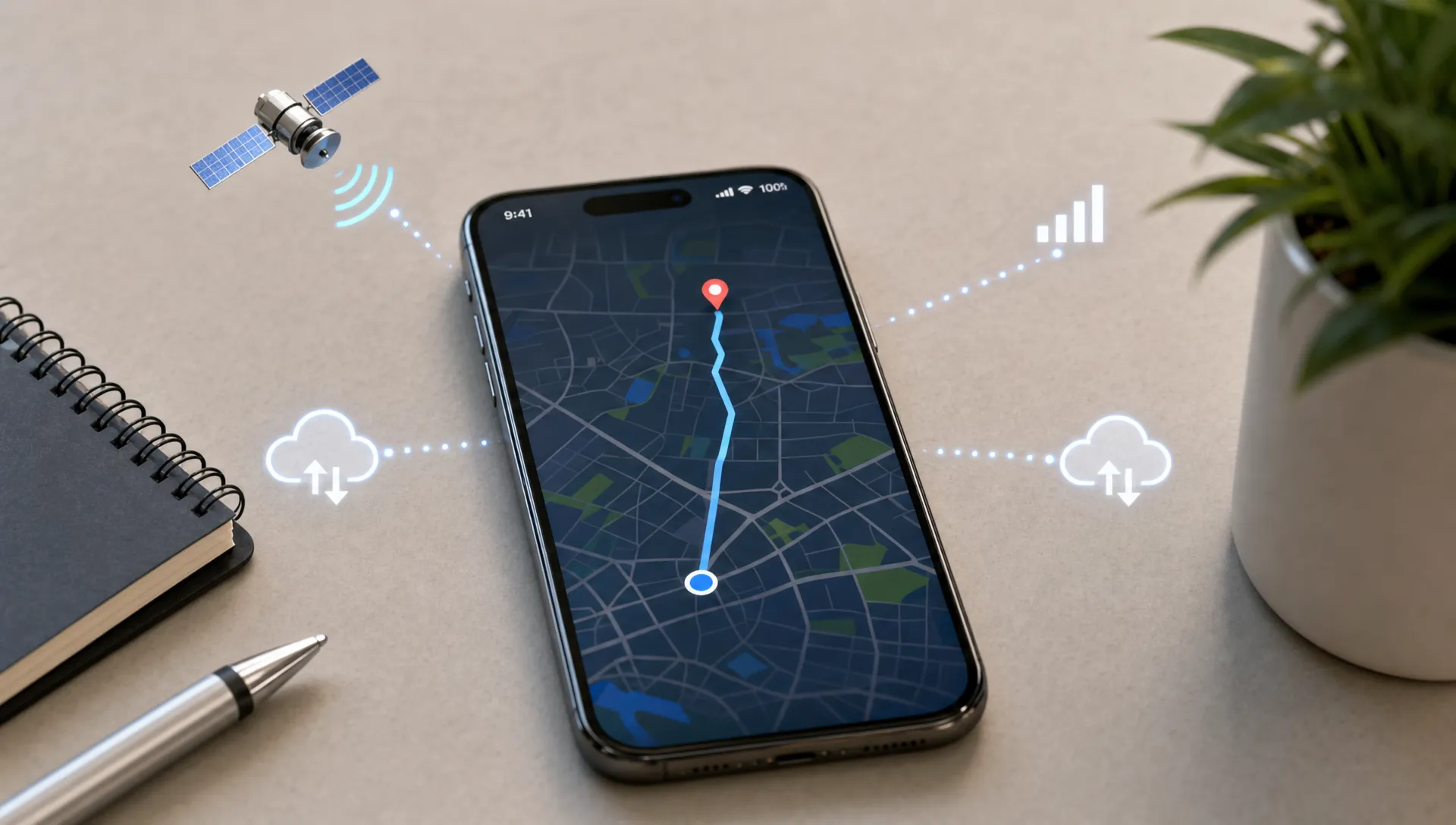
Make motion and geofences do more of the work
A GPS app does not need GPS to know everything. Motion signals can help determine whether the user is likely stationary, walking, cycling, or driving. Geofences can tell the app when a user enters or exits an important area without constantly polling precise coordinates.
For example, a field service app might use a geofence around a job site to detect arrival, then temporarily request a more accurate fix to confirm check-in. A family safety app might stay in a low-power mode while a user is at home, then increase tracking only after movement begins. A logistics app might track frequently during an active route, then switch to a low-power state after delivery completion.
This layered approach has another advantage: it can make the product feel smarter. Instead of asking users to manually start and stop every location session, the app can use contextual signals to suggest actions, confirm events, or reduce friction. The key is to avoid over-automation where mistakes would be costly. For sensitive workflows, let users confirm important events.
Avoid fake precision
High precision is not always high value. GPS jitter can make a stationary user appear to move. Urban canyons can produce inaccurate points that look precise on a map. Indoors, GPS may be unavailable or misleading. If the app blindly stores and displays every point, users may see strange routes, incorrect ETAs, or phantom movement.
Battery-efficient apps often improve quality by collecting less noisy data, not more data. Distance filters, confidence thresholds, map matching, and server-side smoothing can reduce both battery use and user confusion.
The product should also show uncertainty honestly. If a location is approximate, stale, or low confidence, the UI can communicate that instead of pretending the dot is exact. This is especially important for safety, logistics, and operational products where users make decisions based on location.
Build battery testing into the development process
You cannot optimize what you only test at a desk. GPS behavior changes dramatically across devices, operating system versions, network conditions, buildings, vehicles, pockets, chargers, and user settings.
Battery testing should begin before launch, not after app store reviews mention drain. The goal is to create repeatable scenarios that reflect real usage: a 30-minute drive, an hour of field work, a full delivery route, a day of passive monitoring, or a poor-network commute.
| Test scenario | What to measure | Why it matters |
|---|---|---|
| Active trip tracking | Battery drop, location accuracy, upload latency | Validates the highest-drain mode |
| Stationary background period | Wakeups, location requests, network calls | Reveals whether idle mode truly sleeps |
| Poor connectivity route | Retry count, queue size, radio usage | Finds battery waste caused by sync failures |
| Permission changes | Feature behavior after reduced access | Prevents broken flows and repeated prompts |
| App terminated or device restarted | Recovery and user transparency | Ensures tracking resumes only when appropriate |
On iOS, Xcode Instruments and energy diagnostics can help identify expensive behavior. On Android, tools such as Android Studio profilers, Perfetto, and Battery Historian can reveal wakeups, CPU usage, network activity, and background behavior. Product analytics should then connect those technical signals to user outcomes such as session completion, permission retention, complaints, and uninstall patterns.
If you want a broader performance framework beyond location, Appzay’s guide to app efficiency tips that improve speed and battery life explains how startup teams can reduce waste across startup time, networking, background work, and rendering.
Monitor battery health after launch
Battery optimization is not finished at release. New OS versions, device models, location permission changes, network conditions, and feature updates can all change real-world power consumption.
A practical post-launch monitoring plan should track both technical and product signals. Technical metrics might include location update frequency, background session length, upload batch size, retry count, crash rate, ANR rate on Android, and average battery impact during key flows. Product metrics might include permission opt-in rate, permission revocation, trip completion, support tickets, app store review themes, and retention after location-heavy sessions.
This is where monitoring becomes a product advantage. If one device family or OS version shows higher drain, the team can adjust policy remotely, reduce tracking frequency for that segment, or investigate a platform-specific bug. If users revoke permissions after a certain onboarding step, the problem may be explanation and timing rather than code.
For a startup-friendly view of which signals deserve attention, see Appzay’s guide to mobile app monitoring metrics every startup should track.
Common battery mistakes in GPS tracking app development
Most battery problems are not caused by one catastrophic bug. They come from small decisions that compound across a full day of use.
Watch especially for these mistakes:
- Requesting best-possible accuracy when approximate location would work.
- Keeping active tracking on after the user’s task, trip, or shift is complete.
- Uploading every point immediately instead of batching when real-time updates are unnecessary.
- Treating background tracking as a default instead of a special mode with clear value.
- Ignoring GPS jitter and storing noisy points that create fake movement.
- Retrying failed network calls too aggressively in weak signal conditions.
- Testing only on new devices, strong Wi-Fi, and short sessions.
The fix is not simply lowering the update interval. The fix is designing an app that understands context.
A practical battery-aware GPS checklist
Before building or refactoring a GPS tracking product, align the team around these decisions:
- Define which features need live tracking, recent tracking, historical tracking, or only event-based location.
- Create explicit tracking states such as idle, active, stationary, geofence watch, and completed.
- Use platform-native location capabilities instead of custom polling wherever possible.
- Match permissions to user value and explain background tracking before requesting it.
- Batch non-urgent uploads and protect the app from retry storms.
- Test real-world battery performance across devices, networks, and trip lengths.
- Monitor battery-related behavior after launch and adjust policies as usage data grows.
This checklist is intentionally product-focused. Battery-efficient GPS tracking is not just an engineering optimization. It is a set of product rules that engineering, design, backend, QA, and support all need to understand.
Frequently Asked Questions
Can a GPS tracking app run without draining battery? No GPS tracking app is battery-free, but a well-designed app can keep drain acceptable by using adaptive tracking, lower-power location signals, batching, geofences, and clear start-stop rules.
What drains more battery, GPS or network uploads? Both can be expensive. High-accuracy GPS consumes power, but frequent uploads, failed retries, and background wakeups can also cause major drain. Efficient apps optimize location collection and data sync together.
How often should a GPS tracking app update location? It depends on the use case. Navigation and active delivery may need frequent updates, while check-ins, geofencing, and passive safety features can often use lower-frequency or event-based tracking.
Is background location always necessary for GPS tracking apps? No. Many apps can use foreground-only tracking, geofences, scheduled checks, or user-initiated sessions. Background location should be reserved for features where continuous or event-based location is essential.
Should a startup build GPS tracking natively or with a cross-platform framework? The decision depends on the product’s accuracy needs, background behavior, performance requirements, and team capacity. Location-heavy apps can be built with different stacks, but platform-specific location behavior must be handled carefully either way.
Build GPS tracking users can trust
Battery drain is not an unavoidable cost of location features. It is usually a sign that the product has not made enough decisions about context, accuracy, background behavior, and sync.
If you are building a funded startup around location, logistics, mobility, safety, field operations, or real-time coordination, Appzay can help you design and ship a GPS-enabled mobile product from concept to App Store. Explore how Appzay builds premium iOS and Android apps with product strategy, UX design, native engineering, cloud integration, launch support, and ongoing maintenance.