5/23/2026
App Launch Checklist: 2026 Guide for a Smooth First Release
Use this 2026 app launch checklist to prepare QA, store assets, monitoring, rollout, and post-launch fixes for a smoother first mobile release.
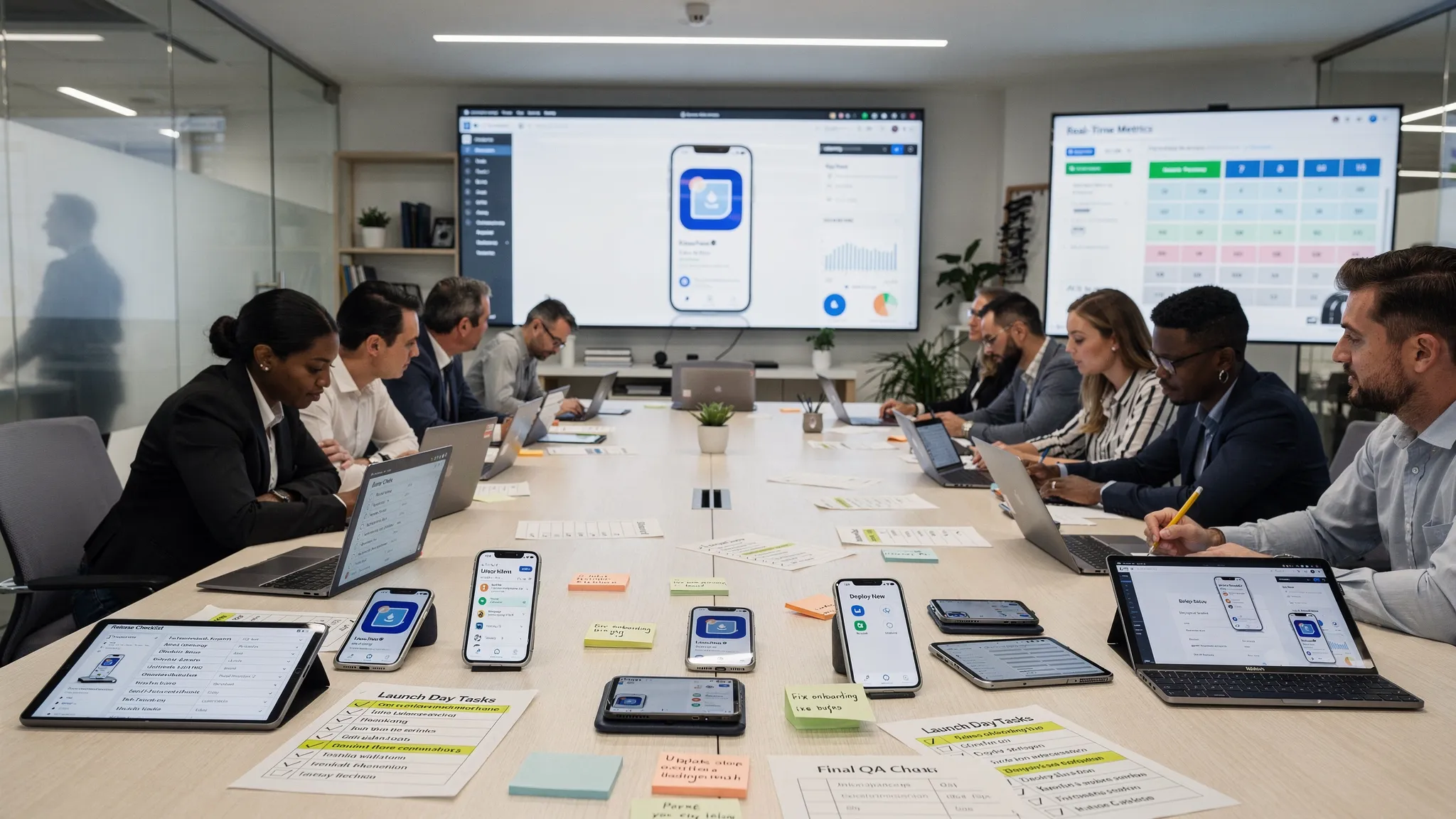
A first release is not a finish line. It is the moment your product meets real users, real devices, real networks, and real expectations. The difference between a confident launch and a chaotic one usually comes down to preparation: who owns each decision, what gets tested, how issues are monitored, and how quickly the team can respond.
This app launch checklist is built for funded startups preparing to release a mobile product on iOS, Android, or both. It goes beyond store submission and covers the full launch system: product readiness, QA, infrastructure, analytics, support, marketing handoff, rollout strategy, and the first days after release.
What “launch ready” really means
An app is launch ready when the team can answer three questions with confidence:
- What user promise are we making in version one?
- How will we know whether the release is healthy?
- What will we do if something breaks after users install it?
Many teams treat launch as a publishing task, then discover too late that launch quality depends on decisions made weeks earlier. Account flows, permissions, analytics, crash reporting, support routing, store screenshots, backend scaling, and release notes all shape the first user experience.
If your team is still defining the build itself, start with a broader mobile app build checklist. If the product is already feature-complete and you are preparing for release, the checklist below will help you tighten the final mile.
App launch checklist overview
Use this table as a high-level launch map before diving into each section. The goal is to turn “we think it is ready” into clear evidence.
| Launch area | What to verify | Owner to assign | Why it matters |
|---|---|---|---|
| Product scope | V1 promise, core flow, non-goals | Founder or product lead | Prevents last-minute scope creep |
| UX readiness | Onboarding, empty states, errors, permissions | Product and design | Protects activation and trust |
| Engineering | CI/CD, environments, feature flags, backend readiness | Engineering lead | Reduces release and rollback risk |
| QA | Device matrix, critical flows, edge cases | QA or release owner | Catches launch-blocking defects |
| Store readiness | Metadata, privacy, screenshots, reviewer notes | Product and marketing | Speeds approval and improves conversion |
| Analytics | Activation, retention, crashes, funnel events | Product and engineering | Makes the first release measurable |
| Support | Help inbox, escalation path, known issues | Operations or founder | Keeps early users from churning silently |
| Rollout | Beta, phased release, launch day plan | Release owner | Limits blast radius if issues appear |
A smooth app launch is a coordinated system, not a single checklist item.
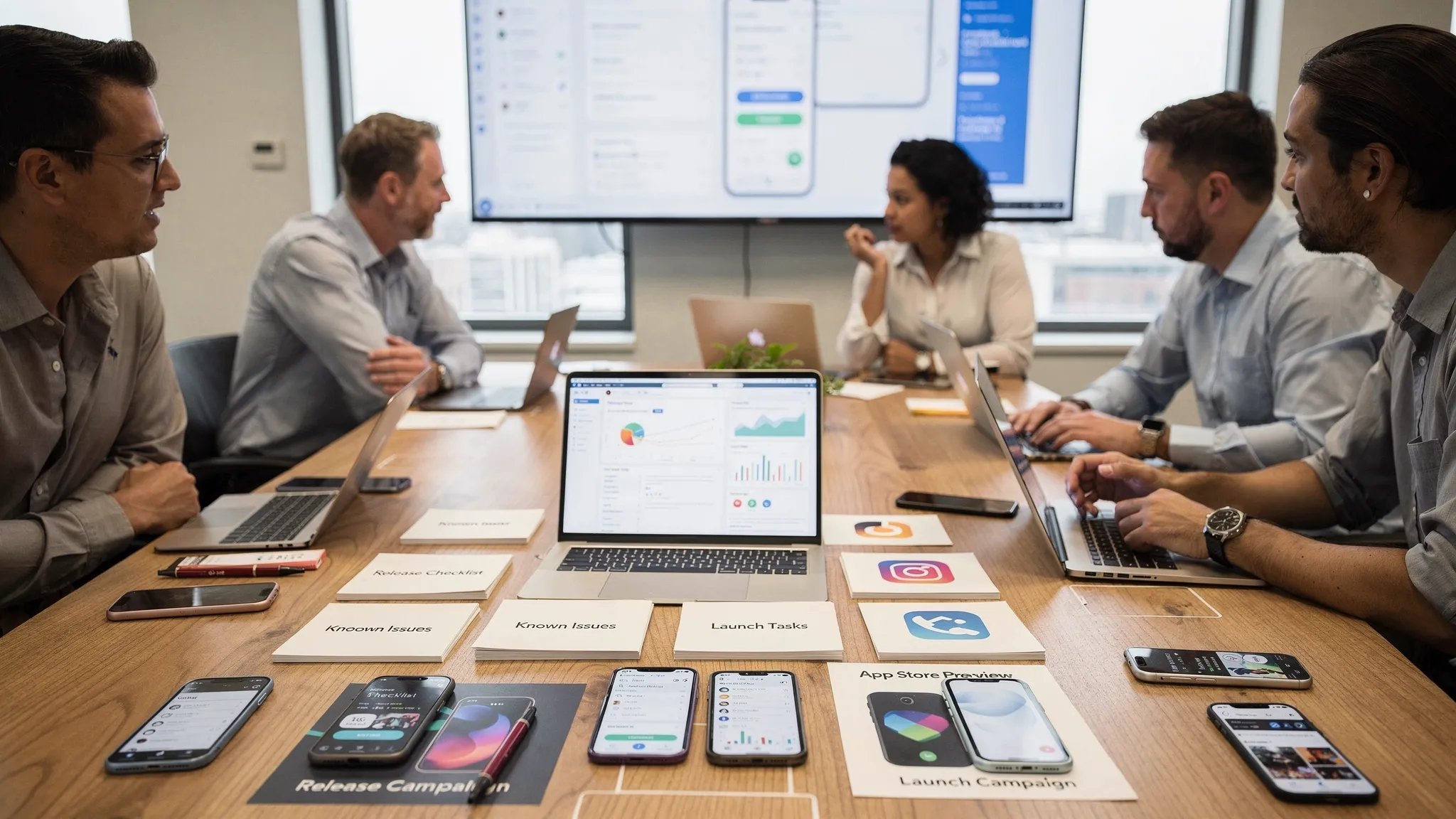
1. Lock the launch objective and V1 scope
Before final QA begins, freeze the launch objective. A vague objective like “launch the app” creates confusion. A stronger objective sounds like: “Release a stable iOS and Android MVP that lets invited users create an account, complete the primary workflow, receive notifications, and submit feedback.”
This gives the team a way to say no. If a feature does not support the first-release promise, it belongs in the backlog, not the launch build.
Your launch scope should document:
- The primary user segment for the first release
- The one or two core jobs the app must complete reliably
- Features intentionally excluded from V1
- Launch markets, languages, and platforms
- Success metrics for the first week and first 30 days
- The person with final authority to approve release
For funded startups, this discipline matters because investor, customer, and internal pressure often increases near launch. Without a clear V1 boundary, the final weeks become a stream of “small” additions that destabilize the release.
2. Validate the core user journey end to end
Your app does not need every future feature at launch. It does need one complete, trustworthy user journey.
Walk through the app from a user’s first tap to the first moment of value. Do not test only the happy path. Test what happens when the user denies permissions, loses connection, enters invalid information, exits mid-flow, returns later, or uses an older device.
A first release should be especially strong in these areas:
| UX checkpoint | Launch-ready standard |
|---|---|
| Onboarding | The user understands the value quickly and can reach the core action without unnecessary friction |
| Authentication | Sign-up, login, password reset, account deletion, and session handling work reliably |
| Permissions | Location, camera, microphone, notifications, or contacts are requested only when context is clear |
| Empty states | New users see helpful next steps instead of blank screens |
| Loading states | Slow moments feel intentional and do not leave users guessing |
| Error states | Errors explain what happened and how to recover |
| Offline or weak network | The app fails gracefully, retries safely, or clearly explains limits |
| Accessibility | Text, contrast, touch targets, and screen reader basics are checked on key flows |
This is also the time to remove friction that seemed acceptable during internal testing. Early users are less forgiving than your team. If the first meaningful action takes too long, requires too many fields, or depends on unclear permissions, your activation rate will suffer.
For more depth on designing mobile journeys before release, see Appzay’s guide on designing an app with clear user flows.
3. Prepare engineering and release operations
A launch-ready app is not just a clean build. It is a build that can be shipped, monitored, patched, and supported without improvisation.
Start by confirming that staging and production are clearly separated. Test data should not leak into production, production keys should not be used in local builds, and analytics should distinguish test users from real users.
Your engineering launch checklist should include:
- Production API endpoints are configured and verified.
- App versioning and build numbers follow a documented release convention.
- CI/CD can generate signed release builds consistently.
- Secrets, certificates, provisioning profiles, and signing keys are stored securely.
- Feature flags or remote config are in place for risky capabilities.
- Backend migrations have a rollback or recovery plan.
- Push notification certificates, entitlements, and tokens are validated.
- Crash reporting, logs, and performance monitoring are active in production.
- Rate limits, third-party quotas, and payment or API dependencies are reviewed.
- A hotfix path is defined for critical defects.
The release process should be rehearsed before launch day. If the team has never cut a release candidate, submitted a build, or promoted a version through internal testing, do not wait until the public launch to learn.
This is where CI/CD and release orchestration create real business value. They reduce human error, make builds reproducible, and help teams respond quickly when the first users reveal issues that internal testing missed.
4. Run QA like a user, not just like a tester
Pre-launch QA should combine structured test cases with realistic device usage. Simulators are useful, but they cannot fully represent battery behavior, permission prompts, biometric flows, mobile networks, camera quality, Bluetooth, push notifications, or device-specific performance.
Build a practical device matrix. You do not need every device on the market, but you should cover your likely audience. For iOS, include at least one current model and one older supported model. For Android, include different screen sizes, manufacturers, and OS versions if your market is broad.
Key QA passes before app launch:
| QA pass | What to test |
|---|---|
| Smoke test | App installs, opens, logs in, and completes the primary flow |
| Regression test | Previously fixed issues have not returned |
| Device test | Core flows work on representative physical devices |
| Network test | App behaves well on slow, dropped, and restored connections |
| Permission test | Denied, accepted, and changed permissions are handled correctly |
| Upgrade test | Updating from beta or previous builds does not corrupt data |
| Fresh install test | New users get a clean first-run experience |
| Performance test | Startup, screen transitions, and core actions meet acceptable thresholds |
| Battery test | Background tasks, location, audio, or sync do not drain excessively |
| Security sanity check | Sensitive data is not exposed in logs, screenshots, or local storage |
For performance and reliability, do not wait until launch to instrument the app. Crash-free sessions, app start time, API latency, and failed core actions should be visible before users arrive. Appzay’s guide to monitoring app essentials explains which signals matter most for reliable mobile products.
5. Finalize App Store and Google Play readiness
Store readiness is part compliance, part conversion, and part operational planning. Apple and Google each review apps differently, but both expect accurate metadata, stable functionality, clear privacy disclosures, and policy-compliant monetization.
Review the official Apple App Review Guidelines and Google’s launch checklist for Android apps before submission. Policies change, and store rejections can delay marketing campaigns, investor updates, and customer onboarding.
Before submitting, confirm:
- App name, subtitle, descriptions, and keywords match the actual product.
- Screenshots and preview assets show real, supported functionality.
- Privacy disclosures match what the app and SDKs collect.
- Permission purpose strings are specific and user-friendly.
- Login credentials, demo accounts, or reviewer instructions are included when needed.
- In-app purchases, subscriptions, and external payment links follow platform rules.
- Account deletion and data handling flows satisfy platform expectations.
- Age rating, content rights, export compliance, and regulated-industry requirements are reviewed.
- Support URL, privacy policy URL, and marketing URL are live.
- Release notes are clear and appropriate for the launch audience.
If you need a store-specific review, use Appzay’s App Store submission checklist. For acquisition and conversion, pair submission prep with ASO app store optimization tips so your listing is not just approvable, but persuasive.
6. Set up analytics before users arrive
A first release should answer product questions, not just technical ones. If analytics are added after launch, you lose the cleanest learning window: the first real cohort.
Keep the event plan focused. Too many events create noise, while too few make it impossible to diagnose friction. Track the moments that explain activation, retention, and trust.
At minimum, define events for:
- App installed or first opened
- Account created or user authenticated
- Onboarding started and completed
- Primary action started and completed
- Permission prompt shown and accepted or denied
- Payment, subscription, booking, sync, upload, or other key transaction
- Error events on critical flows
- Push notification opt-in and engagement if relevant
- User feedback, support contact, or cancellation
Each event should have a clear owner and a reason to exist. If nobody will use a metric to make a decision, do not make it part of the launch dashboard.
A strong launch dashboard usually includes crash-free sessions, activation rate, primary flow completion, API error rate, install-to-signup conversion, retention by cohort, and store listing conversion. The exact mix depends on your product model, but the principle stays the same: instrument the behaviors that prove whether the app is working for users.
7. Plan your rollout strategy
Not every app should launch to everyone at once. A phased rollout gives the team a chance to detect issues before the full audience arrives.
For consumer apps, a staged release can reduce the blast radius of crashes or backend issues. For B2B or funded startup launches, a controlled cohort of pilot users can generate higher-quality feedback before a wider announcement.
| Rollout stage | Audience | Purpose | Go/no-go signal |
|---|---|---|---|
| Internal release | Team and trusted stakeholders | Catch obvious build, account, and environment issues | Core flows pass without blockers |
| Closed beta | Advisors, pilots, friendly users | Validate usability and support readiness | Feedback is manageable and no critical crashes appear |
| Soft launch | Limited market or invite list | Test acquisition, onboarding, and infrastructure | Stability and activation meet agreed thresholds |
| Public launch | Full target audience | Scale acquisition and learning | Team is ready to monitor, support, and patch |
Apple and Google both offer tools that can support controlled release patterns, such as TestFlight, internal testing, closed testing, managed publishing, and staged rollouts. The exact setup depends on your platform plan and launch timeline.
8. Prepare support, feedback, and incident response
Early users will find gaps. That is normal. What matters is whether the team can capture, prioritize, and respond to those gaps quickly.
Before launch, decide where user feedback goes. A generic inbox is better than nothing, but it is not enough if nobody owns triage. Support messages, crash reports, app reviews, social comments, and customer success notes should feed into one launch review process.
Create a simple incident workflow with these decisions:
- Who declares a launch issue critical?
- Who communicates with users if the app is partially unavailable?
- Who can approve a hotfix release?
- Which metrics trigger escalation?
- Which issues are fixed immediately, and which move to the next planned release?
This does not need to be enterprise-heavy. A lightweight launch war room, a shared issue board, and clear severity definitions are enough for many startups. The key is to avoid debating ownership while users are already affected.
9. Complete the launch-day checklist
Launch day should feel almost boring. The risky work should already be done.
Use this final checklist before making the public announcement:
- Latest approved build is live or scheduled in the correct stores.
- Store listings, screenshots, pricing, availability, and release notes are correct.
- Website, landing pages, and app download links point to the right destinations.
- Analytics dashboard is live and has been checked with production events.
- Crash reporting and alerting are active.
- Support inbox, help docs, and escalation owners are ready.
- Marketing emails, social posts, press assets, and founder announcements are approved.
- Paid campaigns, if any, are coordinated with store availability.
- Team members know the launch timeline and communication channel.
- A rollback, pause, or hotfix plan is documented.
Avoid making unrelated production changes on launch day. Do not refactor backend services, change pricing logic, migrate analytics, or swap major SDKs while releasing publicly. The more variables you change at once, the harder it becomes to diagnose problems.
10. Monitor the first 72 hours closely
The first 72 hours are about stability, confidence, and learning. Resist the urge to judge the entire business from a small early cohort. Instead, focus on whether the product is functioning as intended and whether the first users can reach value.
Watch these signals closely:
| Signal | What it may indicate | First response |
|---|---|---|
| Crash spike | Device, OS, dependency, or untested flow issue | Triage by version and device, prepare hotfix if severe |
| Low activation | Onboarding confusion, weak value clarity, or broken flow | Review funnel and session feedback |
| High API errors | Backend capacity, auth, rate limit, or integration issue | Check logs, vendor status, and retry behavior |
| Negative reviews | Expectation mismatch, bug, pricing concern, or missing feature | Respond professionally and identify patterns |
| Support volume increase | Confusing UX or launch communication gap | Update help content and prioritize fixes |
| Push opt-out | Permission timing or notification value problem | Revisit prompts and notification strategy |
Schedule daily launch reviews during the first week. Keep the meeting short, but make decisions explicit: what is fixed now, what is monitored, what is deferred, and what users need to hear.
11. Turn launch learning into the next release
A successful launch is not one with zero issues. It is one where the team learns quickly and improves deliberately.
After the first week, separate feedback into categories: bugs, usability friction, missing expectations, acquisition quality, retention opportunities, and strategic feature requests. Do not let loud feedback automatically dictate the roadmap. Compare qualitative input with product metrics.
A practical post-launch review should answer:
- Did users complete the core journey at the expected rate?
- Where did users drop off or request help?
- Which devices, OS versions, or markets had the most issues?
- Did store listing conversion match expectations?
- Which bugs affected trust or revenue?
- What should be patched, improved, or removed in the next release?
The best startup teams treat launch as the beginning of a release rhythm. They ship fixes, improve onboarding, refine ASO, strengthen infrastructure, and keep learning from real usage.
Frequently Asked Questions
How early should we start preparing for an app launch? Start launch planning at least 4 to 6 weeks before your target release if the app is already in development. Store assets, QA plans, analytics, privacy disclosures, beta testing, and support workflows all take longer than teams expect.
What is the most important item in an app launch checklist? The most important item is validating the core user journey end to end on real devices. If users cannot reliably install, sign up, complete the primary action, and recover from common errors, marketing and store optimization will not save the launch.
Should we do a beta before launching publicly? In most cases, yes. A beta helps catch device-specific bugs, confusing flows, onboarding friction, and backend issues before the full audience arrives. Even a small closed beta with representative users can reduce launch risk.
How do we avoid App Store or Google Play launch delays? Prepare compliance early. Make sure metadata is accurate, privacy disclosures match app behavior, payments follow platform rules, demo credentials are provided, and reviewer notes explain any non-obvious flows. Do not treat store submission as an afterthought.
What should we monitor after the first release? Track crash-free sessions, activation rate, primary flow completion, API errors, app start performance, support tickets, app reviews, and early retention. The right metrics depend on your app, but the dashboard should reveal both technical stability and user value.
Launch with a team that has done the hard parts before
A smooth first release requires more than finishing features. It requires product discipline, UX clarity, native mobile engineering, QA, release orchestration, store readiness, monitoring, and post-launch support working together.
Appzay partners with funded startups to design, build, and launch premium iOS and Android apps from concept to App Store. If you want a technical partner that can help with product strategy, UX design, native engineering, CI/CD, App Store optimization, and proactive maintenance, talk to Appzay about your launch plan.