5/17/2026
Ship Faster With This Mobile App Build Checklist for Startups
Ship faster with this mobile app build checklist: align scope, UX, engineering, QA, App Store readiness, and launch ops before you ship.
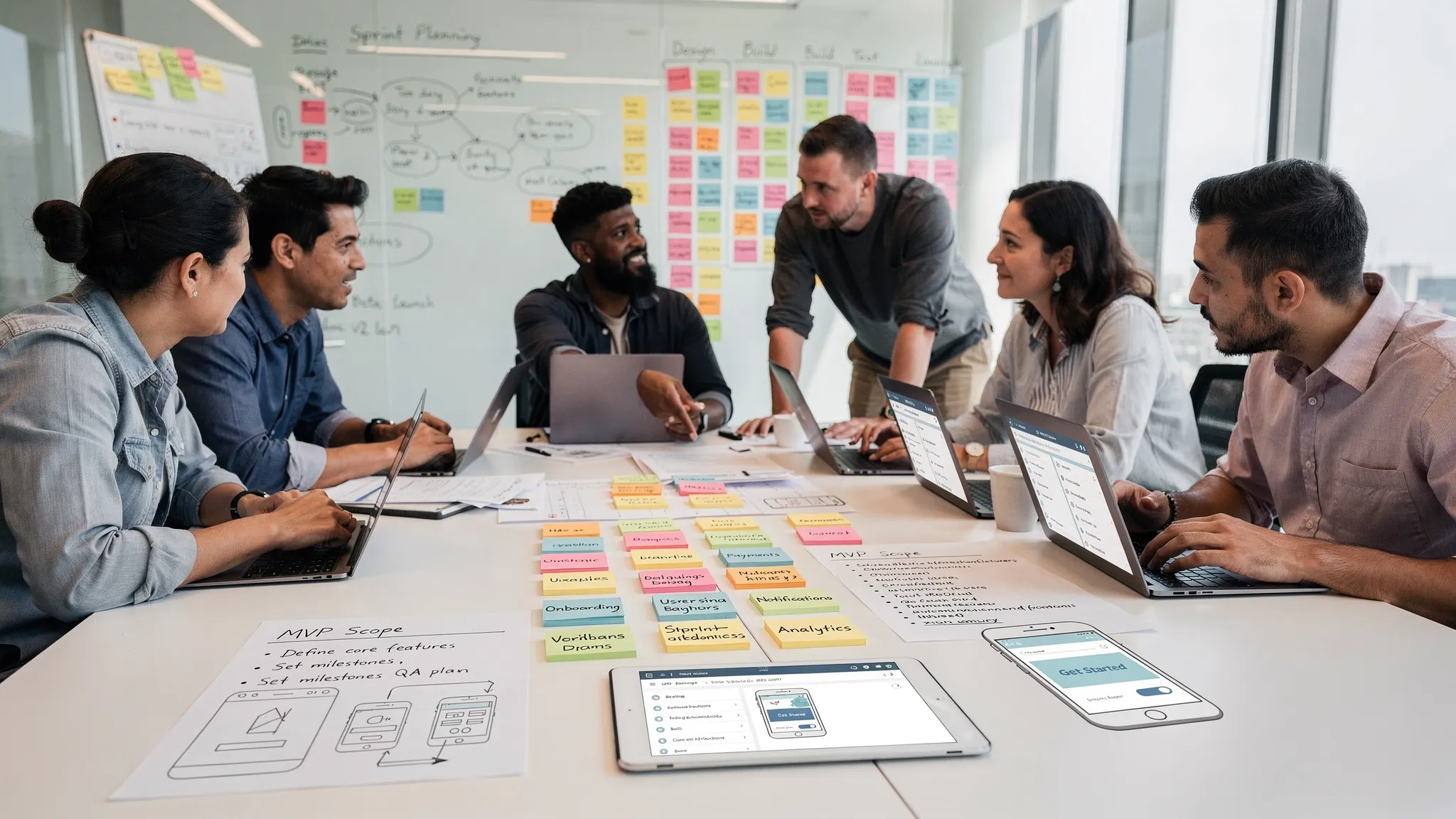
A funded startup does not need a bigger backlog. It needs a mobile app build plan that protects runway, proves the product thesis, and gets a reliable app into users' hands without avoidable rework.
That is what this checklist is for. Use it before development starts, during implementation, before beta, and again before launch. It is designed for founders, product leads, and technical decision-makers who already have capital committed and need to turn momentum into a polished iOS and Android product.
A roadmap tells you the sequence. A checklist tells you whether you are ready to move to the next gate.
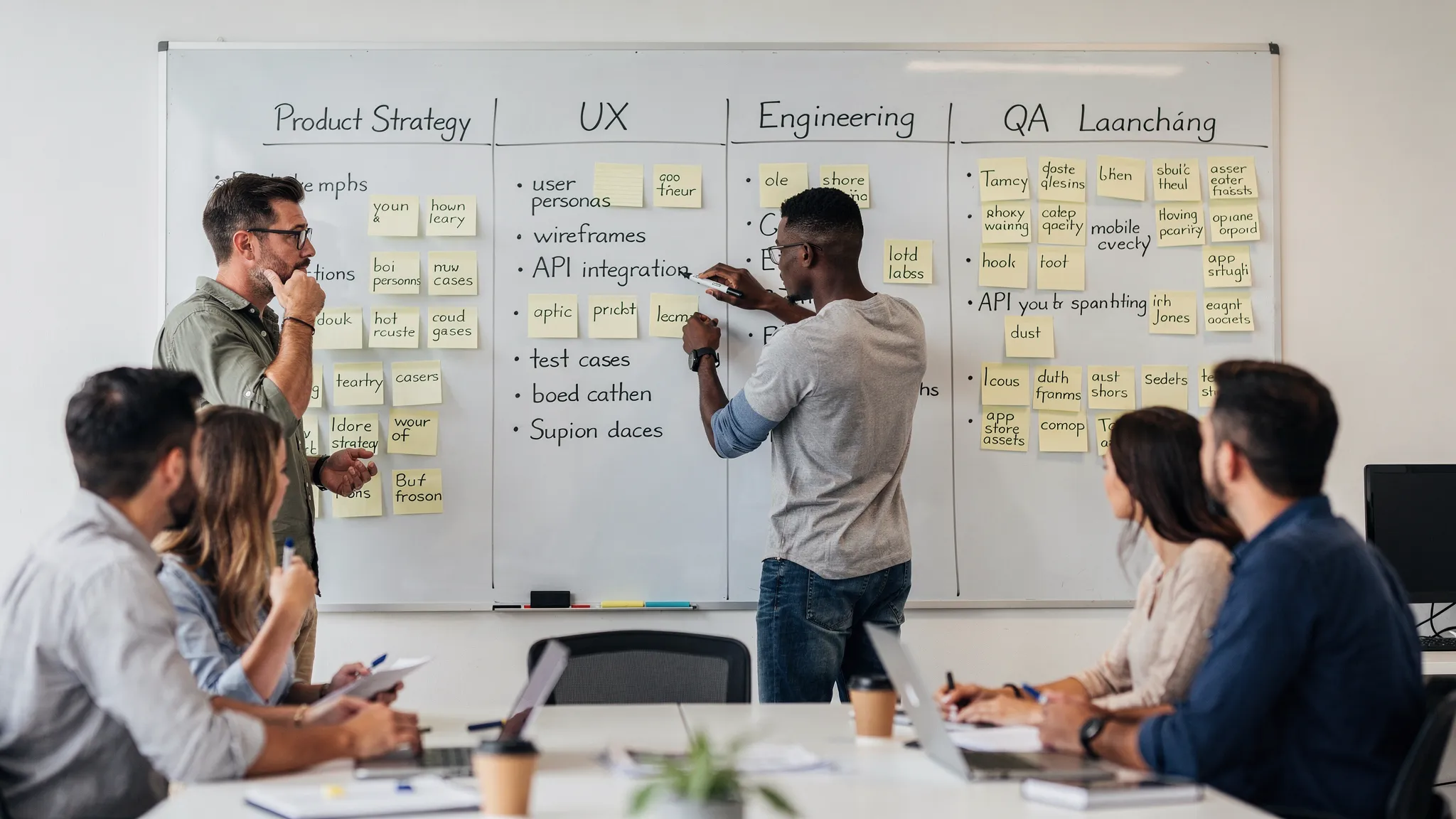
How to Use This Mobile App Build Checklist
Treat the checklist as a decision tool, not a bureaucratic document. The goal is not to slow the team down. The goal is to expose expensive ambiguity early, while changes are still cheap.
For most funded startups, the mobile app build should move through clear gates: product readiness, UX readiness, architecture readiness, implementation readiness, beta readiness, store readiness, and post-launch readiness. Each gate should have an owner, a pass condition, and a short list of unresolved risks.
| Build gate | What should be true before moving forward | Primary owner |
|---|---|---|
| Product readiness | The target user, core problem, V1 promise, and success metrics are clear | Founder or product lead |
| UX readiness | Core flows, edge states, onboarding, permissions, and prototypes are reviewed | Product and design |
| Architecture readiness | Stack, backend, data model, integrations, security, and scaling assumptions are documented | Technical lead |
| Implementation readiness | Repos, environments, tickets, API contracts, CI/CD, and definition of done are set | Engineering lead |
| Beta readiness | Critical flows work on real devices, analytics are live, and feedback channels are ready | Product and QA |
| Store readiness | Apple and Google requirements, metadata, privacy disclosures, and screenshots are complete | Release owner |
| Launch readiness | Monitoring, support, incident response, and iteration plan are in place | Founder and delivery lead |
If you are still shaping the full timeline, pair this checklist with Appzay's mobile application development roadmap for funded startups.
Product Strategy Checklist: Build the Right V1
The first risk in a mobile app build is not technical. It is building a polished version of the wrong product.
Funded startups often feel pressure to show progress quickly, especially after a seed or Series A raise. That pressure can lead to a bloated V1 with too many audiences, too many features, and no obvious activation moment. Before design or engineering ramps up, define the smallest product that can prove the business case.
| Checklist item | Pass condition | Why it matters |
|---|---|---|
| Target user | One primary user segment is named, with clear context and urgency | Prevents generic workflows and unclear messaging |
| Core job | The app's main job is stated in one sentence | Keeps scope centered on user value |
| V1 promise | The product promise can be fulfilled without all future features | Avoids overbuilding before validation |
| Success metrics | Activation, retention, conversion, or operational metrics are defined | Turns launch into learning, not just shipping |
| Monetization assumption | Revenue path or strategic value is explicit | Helps prioritize payments, trials, referrals, or enterprise features |
| Differentiation | The team can explain why users choose this over alternatives | Guides UX, onboarding, and App Store positioning |
A good V1 is not the thinnest possible demo. It is the leanest complete experience that users can trust. If the app handles payments, bookings, health data, enterprise workflows, or customer communication, credibility is part of the product. Cutting every quality layer to move faster usually creates slower learning after launch.
For a deeper scoping framework, see Appzay's guide to defining a mobile app MVP that can still win.
UX and Product Design Checklist: Make the App Buildable
Mobile UX is not just a set of attractive screens. For a development team, design must answer what happens when the user is new, confused, offline, denied permissions, on a small device, waiting for an API response, or recovering from an error.
Your design handoff should cover the core loop and the uncomfortable states around it. This is where many funded startups lose weeks. A beautiful happy path prototype is useful for fundraising and stakeholder alignment, but it is not enough for implementation.
| UX artifact | What it should include |
|---|---|
| Screen map | All V1 screens, entry points, and navigation paths |
| Core flow prototype | The primary user journey from onboarding to first value |
| State variants | Empty, loading, error, success, offline, permission denied, and edge-case states |
| Interaction notes | Gestures, transitions, validation rules, disabled states, and platform-specific behavior |
| Content guidance | Realistic copy, labels, error messages, legal text, and notification wording |
| Accessibility pass | Font scaling, contrast, tap targets, screen reader basics, and motion sensitivity |
Do not leave permission prompts until the end. Location, camera, microphone, contacts, photos, notifications, and Bluetooth permissions all affect user trust. The app should explain value before asking, request permissions only when needed, and continue gracefully if the user says no.
Accessibility also belongs in the build checklist. The W3C Web Content Accessibility Guidelines are web-focused, but the same principles of perceivable, operable, understandable, and robust experiences are relevant to mobile product quality.
If wireframes are still rough, use Appzay's guide to app screens planning and developer-ready wireframes before your team commits to sprint estimates.
Technical Architecture Checklist: Choose for the Product, Not the Pitch Deck
Technology choices should come from product constraints. A consumer social app, a real-time logistics tool, a regulated healthcare workflow, and an AI companion app do not have the same architecture needs.
The stack decision should account for performance, device capabilities, team expertise, timeline, maintainability, and future hiring. Native iOS and Android can be the right call for performance-sensitive, hardware-adjacent, or highly platform-specific products. Cross-platform frameworks can be effective when speed, shared logic, and consistent delivery matter more than deep platform specialization.
| Architecture decision | Questions to answer before build |
|---|---|
| Client stack | Native, React Native, Flutter, or another approach, and why |
| Backend model | Custom backend, backend-as-a-service, serverless, or hybrid |
| Data model | What data is stored locally, synced remotely, cached, or deleted |
| Authentication | Email, social login, enterprise SSO, passkeys, biometrics, or multi-factor needs |
| Offline behavior | What works without network access and how conflicts are resolved |
| Integrations | Payments, maps, analytics, CRM, AI APIs, messaging, storage, or third-party SDKs |
| Scalability | Expected user load, media volume, background jobs, and future growth constraints |
| Observability | Crash reporting, logs, traces, analytics events, and alerting ownership |
Integration planning deserves special attention. Payments, maps, analytics, push notifications, AI services, and CRM sync can create architectural obligations that are hard to bolt on later. Secrets should not live in the mobile app. Webhooks need retry logic. Payment events need idempotency. Analytics events need consistent naming. Push notifications need consent and preference controls.
For a more detailed integration planning process, see Appzay's app integration guide for payments, maps, analytics, and more.
Engineering Delivery Checklist: Make Quality Repeatable
A funded startup should not rely on heroics to ship. The mobile app build needs an operating system for engineering quality: tickets, reviews, tests, environments, release automation, and a definition of done everyone respects.
This does not mean every startup needs enterprise process. It means the team should remove ambiguity from how work moves from idea to shipped code.
| Engineering area | Build checklist |
|---|---|
| Repositories | Source control, branching strategy, code owners, and access permissions are defined |
| Environments | Local, development, staging, and production environments are separated |
| API contracts | Mobile and backend teams agree on schemas, errors, pagination, auth, and versioning |
| Design system | Core components, typography, spacing, colors, and platform variants are reusable |
| Testing | Unit, integration, end-to-end, and manual test responsibilities are clear |
| CI/CD | Builds, tests, signing, distribution, and release candidates are automated where practical |
| Code review | Pull requests are reviewed for correctness, security, performance, and maintainability |
| Definition of done | A feature is not done until tested, instrumented, reviewed, and documented where needed |
The definition of done is especially important. A feature that works only on one developer's phone is not done. A payment flow without failure handling is not done. A critical onboarding step without analytics is not done. A build that cannot be reproduced is not release-ready.
A strong delivery cadence usually includes weekly demos, short technical risk reviews, backlog grooming, and visible tradeoff decisions. The founder should not need to inspect every implementation detail, but they should have confidence that progress is real and risks are surfaced early.
Security, Privacy, and Compliance Checklist
Security and privacy are product requirements, not post-launch polish. Mobile apps often handle personal data, device permissions, location, images, voice, health information, payments, or business records. Even if your V1 is small, your choices create obligations.
Start with a data inventory. Know what the app collects, why it collects it, where it is stored, who can access it, how long it is retained, and how users can delete or manage it. This inventory should inform your privacy policy, App Store privacy labels, Google Play Data safety section, analytics setup, and support processes.
| Security and privacy item | What to verify |
|---|---|
| Data minimization | The app collects only what the V1 needs |
| Secure transport | Network traffic uses secure protocols and avoids leaking sensitive data |
| Authentication | Sessions, tokens, password resets, and account recovery are handled safely |
| Authorization | Users can access only the data and actions they are allowed to access |
| Local storage | Sensitive data is encrypted or stored using platform-appropriate secure storage |
| Permissions | Requests are contextual, justified, and accurately reflected in disclosures |
| Third-party SDKs | SDK data collection, privacy manifests, and policy obligations are reviewed |
| Account deletion | Users can delete accounts where platform rules require it |
For mobile security practices, the OWASP Mobile Application Security Verification Standard is a useful reference. For store compliance, review the Apple App Review Guidelines and the Google Play Policy Center early, not one week before launch.
If your app touches healthcare, finance, children's data, employment, insurance, or regulated enterprise workflows, involve qualified legal and compliance advisors before the architecture is finalized.
QA and Beta Checklist: Test the Product Users Will Actually Touch
Testing is where assumptions meet real devices. Simulators are helpful, but funded startups need confidence on actual iPhones and Android devices across screen sizes, operating system versions, network conditions, and permission states.
A practical QA plan should prioritize revenue-critical and trust-critical flows first. If the app's main promise fails, it does not matter that secondary settings screens look perfect.
| QA area | What to test before beta |
|---|---|
| Onboarding | New user, returning user, interrupted signup, invalid input, and account recovery |
| Core loop | The main user action succeeds, fails gracefully, and can be repeated |
| Payments or subscriptions | Purchase, restore, cancellation states, failed payment, receipts, and entitlement sync |
| Notifications | Opt-in, opt-out, deep links, timing, relevance, and preference controls |
| Offline and poor network | Loading, retries, caching, sync conflicts, and user messaging |
| Performance | Cold start, screen responsiveness, scrolling, media loading, and background behavior |
| Battery and resources | Background tasks, location use, audio, uploads, downloads, and polling frequency |
| Analytics | Key events fire once, include correct properties, and respect consent requirements |
| Crash handling | Crashes are captured, triaged, and tied to release versions |
Beta is not just a bug hunt. It should validate whether users understand the product, reach first value, return without being reminded, and trust the experience enough to continue. Capture structured feedback, but also watch behavioral data. Users often say the app is clear while silently dropping before activation.
App Store and Launch Checklist
Store review is not a final administrative task. It is part of the build. Apple and Google evaluate privacy, payments, account flows, content, metadata, permissions, and technical quality. A rushed submission can delay launch, break campaign timing, and frustrate investors or partners waiting for release.
Before submission, prepare a reviewer-ready packet. It should include test credentials, demo instructions, notes for gated features, explanations of permissions, compliance details where relevant, and contact information for review questions.
| Store readiness item | What to confirm |
|---|---|
| App name and subtitle | Accurate, brand-aligned, and not misleading |
| Screenshots | Reflect the real app experience and current UI |
| Description | Explains value clearly without unsupported claims |
| Privacy policy | Public, accurate, and aligned with actual data practices |
| App privacy and Data safety | Matches SDKs, permissions, analytics, and backend behavior |
| In-app purchases | Digital goods use platform-compliant payment flows where required |
| Account access | Reviewers can log in, test paid or gated features, and delete accounts if applicable |
| Release build | Signed correctly, versioned, tested, and tied to release notes |
If you want a submission-specific resource, Appzay has a dedicated App Store submission checklist to avoid rejections.
Launch planning should also include App Store optimization. Your screenshots, first lines of copy, reviews strategy, and product-quality signals influence conversion. The best store listing cannot save a weak app, but a weak listing can waste a strong launch.
Post-Launch Operations Checklist: Ship, Learn, Stabilize, Iterate
The mobile app build does not end when the app appears in the App Store or Google Play. For funded startups, launch is the start of the highest-value learning period.
Your post-launch checklist should focus on stability, activation, retention, support, and roadmap decisions. Investors and customers do not only care that the app shipped. They care whether users adopt it, whether the team can improve it quickly, and whether the technical foundation supports growth.
| Post-launch area | What to have in place |
|---|---|
| Monitoring | Crash reporting, performance monitoring, logs, and alert ownership |
| Support | Clear intake for bugs, user feedback, account issues, and urgent incidents |
| Release cadence | A predictable process for patches, improvements, and store updates |
| Feature flags | Ability to control risky features without waiting for full app review where possible |
| Analytics review | Weekly review of activation, retention, conversion, and failure points |
| Backlog hygiene | Bugs, experiments, technical debt, and user requests are prioritized deliberately |
| Maintenance | Dependency updates, OS updates, SDK changes, and store policy changes are tracked |
This is where an end-to-end partner can create leverage. Appzay supports funded startups from product strategy and UX through native iOS and Android engineering, CI/CD, release orchestration, App Store optimization, and proactive maintenance. If you are comparing what should be included in a full-service engagement, read Appzay's guide to end-to-end mobile app development services.
A Practical 30-60-90 Day Build Readiness View
Timelines vary by scope, team size, integrations, and compliance requirements. Still, many funded startups benefit from thinking in 30-day readiness windows rather than one large launch deadline.
| Timeframe | Primary focus | Key outputs |
|---|---|---|
| First 30 days | Clarity and de-risking | Product brief, V1 scope, prototype, architecture decisions, integration plan, delivery plan |
| Days 31 to 60 | Core build | Working vertical slices, backend foundations, reusable components, analytics, CI/CD, early QA |
| Days 61 to 90 | Stabilization and launch readiness | Beta, performance fixes, store assets, privacy disclosures, reviewer packet, launch runbook |
This is not a promise that every app should launch in 90 days. Complex products may need more time. The point is to make each period produce tangible proof: clearer scope, working software, tested flows, and launch readiness.
Common Mistakes This Checklist Helps Avoid
Most failed mobile builds do not fail because the team lacked ideas. They fail because important decisions stayed vague for too long.
The most common mistakes include starting development before the V1 promise is clear, approving designs that show only happy paths, choosing a stack before understanding product constraints, treating analytics as an afterthought, delaying security and privacy work, testing too late on real devices, and assuming store submission is just a form.
Another common mistake is separating product and engineering too much. Mobile apps are full of tradeoffs: offline behavior, battery usage, background processing, media handling, permissions, deep links, and App Store rules. Product, design, and engineering need to shape those tradeoffs together.
Finally, do not underestimate ownership. Your startup should know who owns the code, store accounts, signing credentials, cloud infrastructure, analytics properties, domain names, design files, and documentation. If you work with an outside team, clarify ownership and handover from the start.
Frequently Asked Questions
What is included in a mobile app build checklist? A strong checklist covers product strategy, V1 scope, UX flows, architecture, integrations, engineering workflow, security, privacy, QA, beta testing, App Store readiness, launch operations, and post-launch maintenance.
When should a funded startup start using the checklist? Use it before development starts, then revisit it at each build gate. The earlier you catch unclear scope, missing edge states, or technical risk, the cheaper it is to fix.
Does this checklist apply to both iOS and Android apps? Yes. The same build gates apply to both platforms, although implementation details differ. iOS and Android have different design conventions, device fragmentation, permission behaviors, store requirements, and release processes.
Should we build native or cross-platform? It depends on your product constraints. Native may be better for performance-sensitive, hardware-heavy, or premium platform-specific experiences. Cross-platform can be a strong choice for speed and shared logic when the app's technical risks are compatible with that approach.
How much should be completed before hiring a mobile app development agency? At minimum, prepare your target user, business goal, V1 scope, key workflows, known integrations, budget range, timeline pressure, and success metrics. A strong agency can help refine these, but vague inputs make estimates and delivery less predictable.
Is App Store approval part of the mobile app build? Yes. Store readiness should be planned during product, design, and engineering. Privacy disclosures, payments, account deletion, permissions, metadata, and reviewer access can all affect approval.
Build With a Checklist, Not Guesswork
A funded mobile app build is too important to run on assumptions. The right checklist turns strategy, UX, engineering, QA, and launch into visible decisions your team can manage.
If you want an experienced partner to help plan, build, launch, and maintain your app, Appzay works with funded startups end-to-end, from product strategy and UX design to native iOS and Android engineering, cloud integration, CI/CD, App Store optimization, and ongoing support.
Bring your product idea, traction signals, or current build plan, and Appzay can help turn it into a launch-ready mobile product with fewer surprises along the way.