7/7/2026
React Native App Performance Optimization That Actually Works
React Native app performance optimization tactics to improve startup, scrolling, JS thread health, network speed, battery life, and retention.
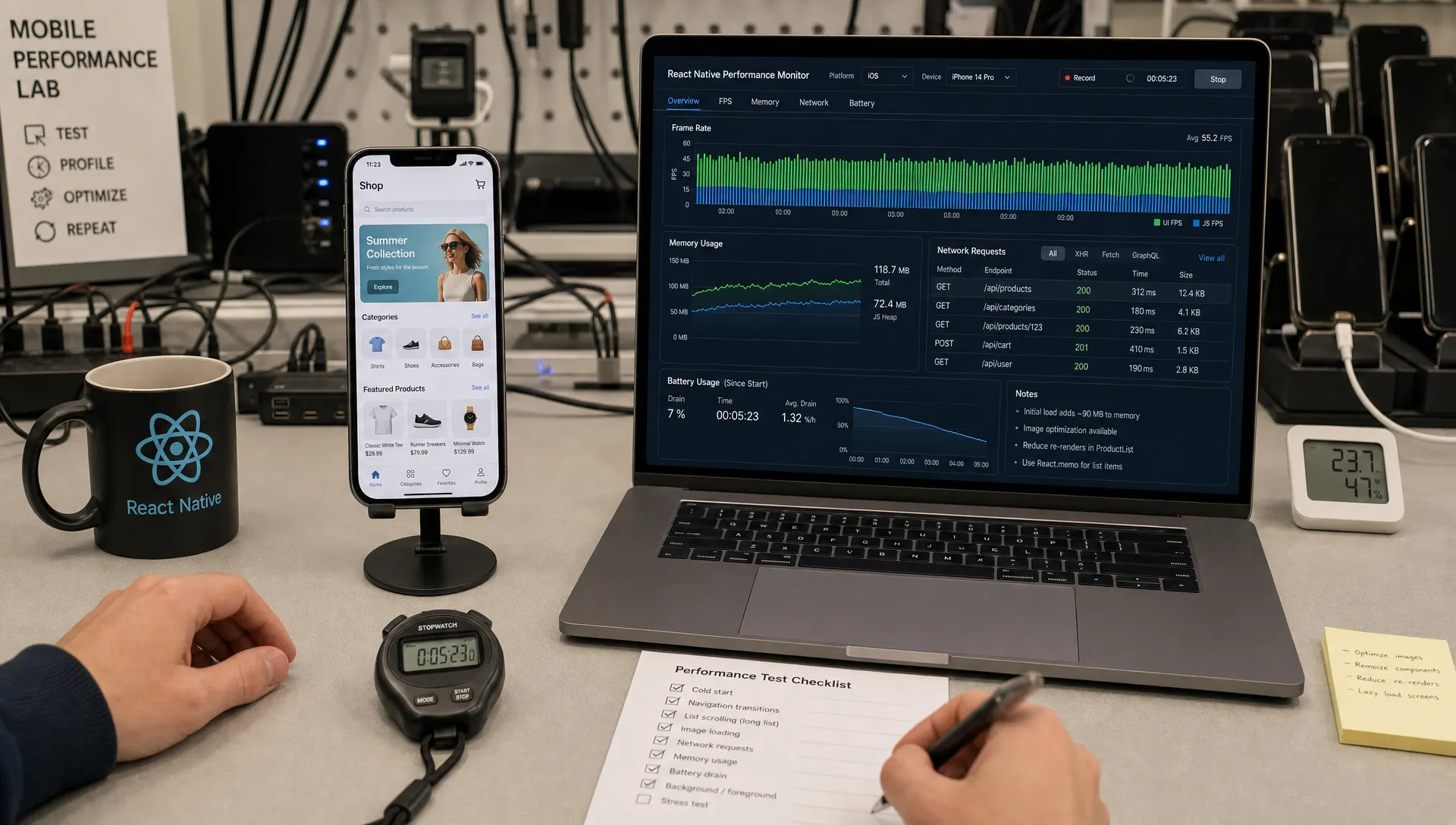
React Native can absolutely deliver a fast, polished mobile experience, but only if performance is treated as architecture, not as a cleanup task before launch. The teams that struggle usually do not fail because React Native is slow. They fail because the app starts too much work too early, renders too often, moves too much data across boundaries, and ships without a repeatable way to detect regressions.
Effective React Native app performance optimization is less about clever tricks and more about disciplined tradeoffs. You measure the experience on real devices, protect the JavaScript thread, keep native rendering smooth, reduce network waste, and design screens so users feel progress immediately.
For startup teams, this matters because performance is not just an engineering metric. Slow startup hurts activation. Janky scrolling makes a premium product feel unfinished. Battery drain can turn a daily-use app into something users uninstall. If you are choosing React Native because you want speed of development without giving up product quality, performance has to be built into the first sprint, not bolted on after the App Store review.
Start with measurement, not folklore
The most common performance mistake is optimizing what is easy to see in code instead of what users actually feel. A component re-render in isolation may not matter. A 900 ms delay after tapping a primary action definitely does.
Before changing architecture or adding memoization everywhere, profile the app in release mode on physical devices. Development builds include extra checks, warnings, and tooling overhead. Simulators are useful for debugging, but they can hide memory pressure, thermal throttling, slow storage, and network variability.
The official React Native performance docs make an important distinction between the JavaScript thread and the UI thread. A React Native app can appear frozen if the JS thread is blocked, even while native scrolling remains smooth. It can also feel janky if the UI thread is overloaded, even if your JavaScript code looks fine in a profiler. You need visibility into both.
Use percentiles instead of averages. A mean startup time may look acceptable while your p95 experience is terrible on older Android devices. For founders and product teams, the goal is not to win a benchmark. The goal is to make the core journey feel consistently fast for your real user base.
| Metric | Why it matters | What to inspect first |
|---|---|---|
| Cold start to usable screen | Shapes the first impression and repeat usage | App root work, bundle size, SDK initialization, splash timing |
| Tap response time | Determines whether the app feels responsive | JS thread blocking, network dependency, optimistic UI |
| Scroll smoothness | Affects marketplace, feed, chat, and dashboard experiences | List virtualization, image loading, row complexity |
| JS frame drops | Shows when JavaScript cannot keep up | Heavy renders, expensive selectors, JSON parsing, sync loops |
| UI frame drops | Shows native rendering pressure | Overdraw, animations, image memory, layout complexity |
| Memory growth | Predicts crashes and reloads | Image caching, unmounted screens, event listeners, large objects |
| Battery and thermal impact | Influences long-term retention | Background tasks, polling, GPS, WebSockets, excessive wakeups |
If you want a broader product-level view, Appzay’s guide to mobile app performance optimization users can feel is a useful companion because it frames performance around launch speed, taps, scrolling, network behavior, and battery life.
Optimize startup before polishing anything else
Startup performance is where many React Native apps lose trust. The user opens the app, sees a splash screen, waits for multiple SDKs, waits for remote config, waits for font loading, waits for authentication checks, and then waits again for the first API response. None of those steps may be terrible alone, but together they create a slow first impression.
Start by asking one question: what is the smallest amount of work required to show a useful first screen?
Hermes is usually the right baseline for modern React Native apps. It is optimized for React Native and can improve startup time and memory usage in many projects. If you are still supporting an older app, review the official Hermes documentation and validate the impact in your own release build.
Next, reduce synchronous work at the app root. Avoid initializing every analytics, messaging, payments, chat, and experimentation SDK before the first screen appears. Some services must be ready immediately, especially crash reporting or authentication dependencies. Many can be deferred until after first render or until the user reaches the feature that needs them.
Also watch for hidden startup costs:
- Large navigation trees created before the user can interact
- Heavy global state hydration from local storage
- Remote config calls that block initial rendering
- Font and image loading that delays the first meaningful screen
- Expensive date, currency, or permissions logic running on launch
A strong startup strategy usually combines a lightweight shell, cached user state, progressive data loading, and a clear visual transition from splash screen to usable UI. Users are far more patient when they can see the app responding.
Protect the JavaScript thread
The JavaScript thread is where React reconciliation, business logic, state updates, and many app-level events happen. If it is blocked, taps may not register, animations driven by JS may stutter, and screens may feel frozen.
The best React Native app performance optimization often comes from doing less work on this thread. That sounds obvious, but it changes how you design features.
For example, avoid parsing huge JSON payloads during screen transitions. Do not run complex filtering on every keystroke if the dataset can be indexed, paginated, or processed server-side. Do not recalculate expensive derived state across the entire app when only one screen needs a small slice of data.
Memoization can help, but it is not a cure-all. React.memo, useMemo, and useCallback work best when they prevent expensive re-renders with stable inputs. Used blindly, they add complexity and can even hide poor state design. A better first step is usually to reduce the amount of state that changes, colocate state closer to where it is used, and keep render functions simple.
For CPU-heavy work, consider moving processing off the JS thread. Depending on the use case, that might mean server-side processing, a native module, a JSI-based module, or a background worker pattern. The right answer depends on the product. A fitness app processing sensor streams has different constraints than a fintech dashboard rendering charts or a marketplace loading hundreds of images.
Make lists, images, and navigation boringly fast
Most performance complaints happen on ordinary screens: feeds, search results, product grids, chat threads, notification lists, and dashboards. These screens are not glamorous, but they define how the app feels.
React Native’s FlatList and related virtualized list components can perform well when configured correctly. Problems usually appear when each row is too expensive, keys are unstable, images are oversized, or the list re-renders because parent state changes too often.
Use stable keys. Keep row components focused. Avoid inline heavy computations inside renderItem. If rows have a predictable size, provide layout information so the list can avoid unnecessary measurement work. Tune virtualization settings based on the device class and screen type, then test on mid-tier Android hardware, not only on the newest iPhone.
Images deserve the same discipline. A 3000 px source image displayed as a 72 px avatar wastes bandwidth, memory, and decode time. Serve appropriately sized images from your backend or CDN. Use thumbnails for lists and reserve full-resolution media for detail screens. Cache intentionally, but avoid keeping too many large images alive after a screen unmounts.
Navigation also affects perceived speed. Large nested navigators, eager tab rendering, and heavy screen initialization can make a simple transition feel slow. Lazy-load tabs where appropriate, keep initial route work minimal, and prefetch only what is likely to be needed. Do not prefetch everything in the name of speed, because that simply moves the performance problem earlier.
Reduce bridge overhead, but do not expect magic
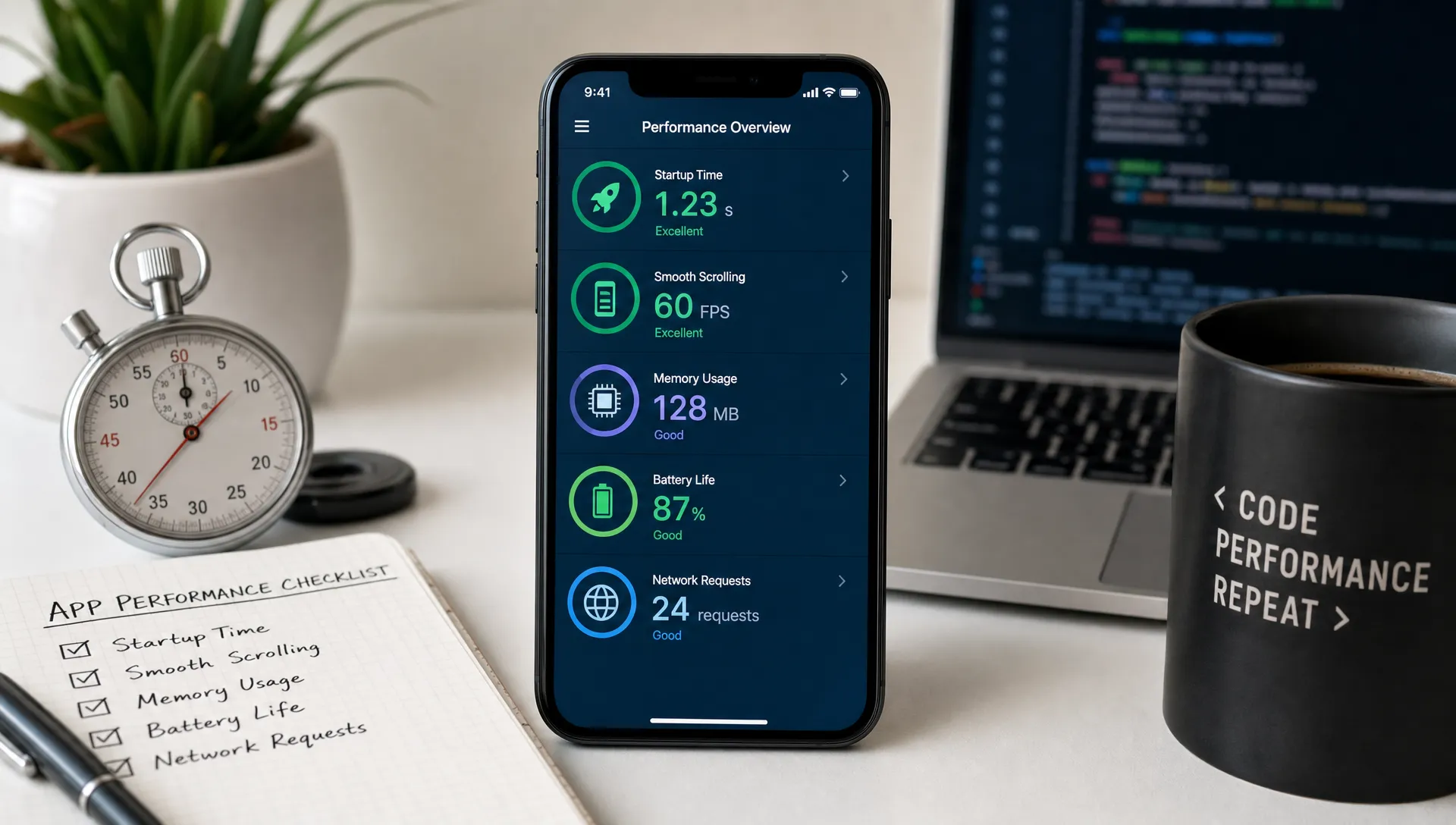
React Native’s newer architecture, including Fabric, TurboModules, and JSI, was designed to improve communication between JavaScript and native code. For some apps, this can reduce overhead and unlock smoother interactions. But enabling the New Architecture is not a universal performance fix.
It helps most when your app has real boundary costs: frequent native events, data-heavy modules, complex animations, or high-volume interactions between JS and native code. It helps less if your primary issue is oversized images, inefficient API responses, or a screen that re-renders 40 components after every keystroke.
The practical rule is simple: avoid chatty cross-boundary communication. Do not send large payloads back and forth every frame. Batch events when possible. Keep native modules focused. Use animation libraries that can run critical motion outside the JS thread when smoothness matters.
This is also where stack decisions matter. React Native is a strong fit for many startup products, but there are cases where native development is safer, especially for intense graphics, real-time media processing, or platform-specific hardware experiences. If you are still deciding, Appzay’s breakdown of native app vs React Native tradeoffs can help clarify when performance risk justifies a different approach.
Fix network performance as a product problem
Many apps blamed on React Native are actually slow because the network model is slow. The UI waits for too many requests. The backend returns more data than the screen needs. Search results are not paginated properly. Images are not resized. The app blocks interaction until a full refresh completes.
Network optimization starts with shaping data around the user journey. The first screen should get the data it needs, in the order it needs it, with clear loading states. Secondary details can load after the screen becomes interactive.
For a data-heavy product, such as a creator tool that helps YouTubers evaluate sponsorship opportunities and brand contacts, the difference between a sluggish app and a fast one may come from search indexing, pagination, caching, and API response design more than from UI code. React Native can render the experience smoothly, but it should not be asked to compensate for inefficient data delivery.
Practical network improvements include request deduplication, stale-while-revalidate caching, optimistic UI for safe actions, payload compression, and retry logic that respects battery and connectivity. For authenticated apps, cache enough state to avoid a blank screen on every launch, but be deliberate about privacy and data freshness.
Offline and poor-network behavior should be designed, not improvised. A mobile app is not a desktop web app with smaller buttons. Users move through elevators, trains, parking garages, conference centers, and rural areas. The app should communicate what is available, what is syncing, and what requires a connection.
Make animations and gestures native-feeling
Animation performance is unforgiving because users can feel missed frames instantly. At 60 fps, you have about 16.67 milliseconds per frame. On 120 Hz devices, that budget drops to about 8.33 milliseconds. Your code does not get all of that time, because the system, rendering pipeline, and other app work need time too.
Avoid driving high-frequency gestures through React state updates. A drag gesture that triggers repeated JS renders will struggle under pressure. Use libraries and patterns that keep gesture handling and animations close to the native UI thread where appropriate. Keep animated views simple, avoid unnecessary layout recalculation during motion, and test transitions while the app is doing real work, not on an empty demo screen.
Good animation is not about adding more motion. It is about making state changes understandable without delaying the user. A checkout confirmation, a map drag, a swipe action, and a tab transition all have different performance requirements. Optimize the moments that affect trust and completion.
Watch memory, battery, and heat
Speed is only one part of performance. A React Native app that feels fast for five minutes but drains battery or crashes after a long session is not production-ready.
Memory issues often come from large images, retained navigation stacks, event listeners that are not cleaned up, timers that keep running, and caches with no limits. Android devices in particular can expose these problems quickly across varied hardware tiers.
Battery problems often come from background work. Polling too frequently, keeping sockets alive unnecessarily, requesting location updates with too much precision, or retrying failed requests aggressively can all damage the user experience. Android’s vitals guidance is a useful reference because it connects technical behavior like excessive wakeups, slow rendering, and crashes to app quality signals.
Thermal performance also matters. Heavy CPU work, constant GPS usage, camera processing, and inefficient animations can heat the device, which then causes throttling. Once throttling begins, the app can become slower even if the code path has not changed.
For startup teams, the lesson is to design performance budgets around real sessions. A meditation app, a field-service app, a creator analytics app, and a social marketplace all have different session lengths and background expectations. The right optimization is the one that protects the core use case.
Use a triage workflow that prevents regressions
Performance work becomes expensive when every issue turns into a guessing game. A reliable triage workflow keeps the team focused and makes improvements measurable.
- Reproduce the issue on a real device: Use the device class and network conditions where users report problems, not only your development machine.
- Capture the baseline: Record startup time, frame drops, memory, network requests, and logs before changing code.
- Isolate the bottleneck: Determine whether the constraint is JS, UI rendering, native code, network, storage, or backend processing.
- Apply the smallest meaningful fix: Reduce work, defer work, move work, or remove work before adding complex abstractions.
- Validate against the baseline: Confirm the improvement on the same device and flow, ideally using p75 or p95 data.
- Add a guardrail: Use performance tests, release checks, monitoring, or alerts so the same regression does not return.
This workflow keeps performance tied to user outcomes. It also prevents the team from spending a week optimizing a component that was never the bottleneck.
| Symptom | Likely cause | Better first move |
|---|---|---|
| Slow cold start | Too much root initialization | Defer noncritical SDKs and hydrate only required state |
| Janky feed scrolling | Heavy rows or oversized images | Simplify row rendering and serve smaller thumbnails |
| Delayed tap response | JS thread blocked | Move expensive work away from the interaction path |
| Slow search | Client filtering too much data | Add server-side search, pagination, or indexing |
| Battery drain | Polling or background tasks | Reduce frequency and make background work event-driven |
| Random crashes after long sessions | Memory growth | Inspect image cache, listeners, timers, and retained screens |
What does not actually work
Some performance advice sounds useful but rarely moves the needle by itself.
Adding useCallback everywhere is not a performance strategy. It may help in specific render paths, but it will not fix slow startup, oversized images, poor APIs, or blocked gestures.
Switching every component to native code is usually unnecessary. Native modules are powerful when the work truly belongs closer to the platform, but unnecessary native complexity slows product development and increases maintenance risk.
Hiding loading indicators is not optimization. A shorter spinner is good only when the underlying interaction is faster or clearer. Skeleton screens, optimistic UI, and cached state can improve perceived speed, but they should not disguise broken performance.
Optimizing only on flagship devices is misleading. Many real users have older phones, limited storage, background app pressure, and inconsistent connectivity. Test where the business risk is highest.
Finally, do not wait until the end of the project. The best performance improvements come from early product and architecture decisions: smaller initial scope, cleaner data contracts, appropriate navigation structure, and a release process that catches regressions before users do.
Build performance into the React Native roadmap
For funded startups, React Native is often chosen because it can accelerate iOS and Android delivery from one product team. That advantage is real, but it only holds if the app is engineered with clear boundaries, testable performance targets, and platform-aware implementation.
A practical roadmap includes performance budgets for core journeys, profiling in release mode, backend contracts designed for mobile, and a CI/CD process that supports frequent, safe releases. It also includes product discipline. Every new SDK, animation, feed module, and personalization layer has a cost. The team should know where that cost appears and whether users benefit from paying it.
If you want to go deeper on architecture, testing, CI/CD, observability, and maintainable delivery practices, Appzay’s React Native app development best practices for 2026 covers the broader engineering foundation that performance depends on.
Frequently Asked Questions
Is React Native fast enough for a premium mobile app? Yes, React Native is fast enough for many premium iOS and Android apps when architecture, rendering, network behavior, and native integrations are handled carefully. It becomes risky when an app requires intense real-time graphics, advanced media processing, or highly specialized platform behavior.
What is the biggest React Native performance issue? The most common issue is too much work on the JavaScript thread during user interactions. Slow startup, inefficient lists, oversized images, and poor network design are also frequent causes of bad user experience.
Does the New Architecture automatically make React Native apps faster? No. Fabric, TurboModules, and JSI can reduce certain types of overhead, but they do not fix inefficient rendering, large payloads, poor image handling, or unnecessary startup work. Measure before and after enabling major architectural changes.
How should a startup measure React Native app performance? Measure release builds on real devices using metrics tied to user journeys: cold start, time to usable screen, tap response, scroll smoothness, JS and UI frame drops, memory growth, network latency, and battery impact. Track percentiles, not just averages.
When should a team choose native instead of React Native? Native may be the better choice for apps centered on high-performance gaming, advanced camera pipelines, heavy real-time audio or video processing, specialized hardware, or platform-specific interactions that would require extensive custom native work anyway.
Build a React Native app users do not have to forgive
Performance is not a final polish pass. It is the result of product strategy, UX design, native-aware engineering, scalable backend decisions, and disciplined release practices working together.
If you are building a funded startup app and want React Native speed without sacrificing quality, Appzay can help you design, build, launch, and maintain a mobile product that feels fast where it matters most.