4/13/2026
App Store App Requirements: What Apple and Google Expect
App Store app requirements explained for Apple and Google Play: privacy, payments, content, and technical rules plus a submission packet to avoid rejections.
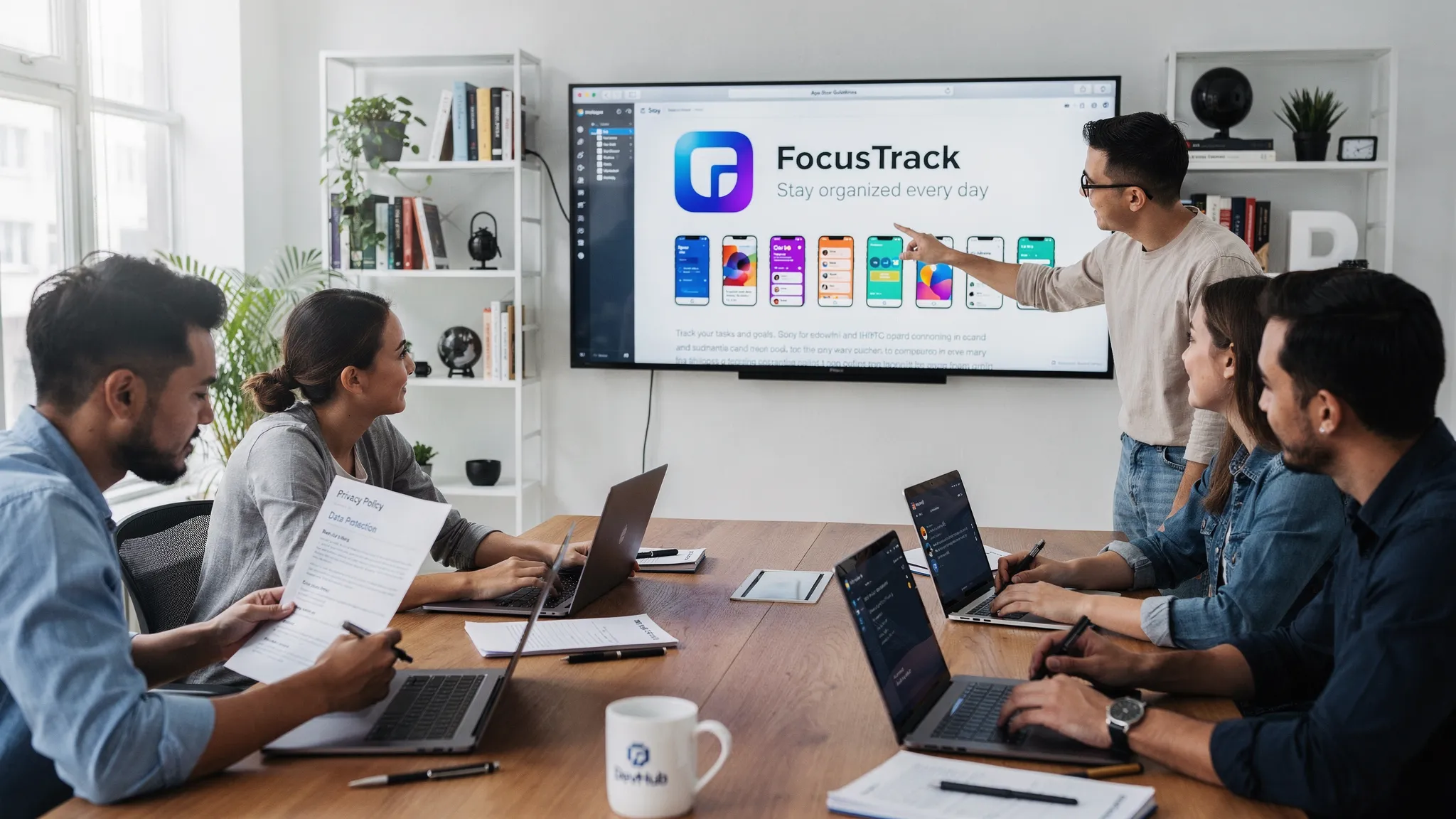
Getting an app into the App Store or Google Play is not just a build and upload exercise. Both platforms review your product experience, privacy posture, security hygiene, and monetization compliance, and they regularly update rules. If you treat store requirements as a last-mile checklist, you risk rejection loops that slow your launch, burn engineering time, and delay revenue.
This guide breaks down App Store app requirements in practical categories and shows what Apple and Google typically expect, so you can design and build with approval in mind.
Apple vs Google Play: the same goal, different emphasis
At a high level, both platforms want safe, trustworthy apps that match their listings. The differences show up in how the rules are enforced.
- Apple tends to be stricter on UI/UX quality, clarity, and “does the app do what it claims?”. Review is human-led and often focuses on edge cases, permission prompts, account flows, and misleading metadata. Start with the App Review Guidelines.
- Google Play puts heavy weight on user safety, policy automation, permissions, and ongoing compliance at scale. Expect more automated checks and policy triggers. Start with the Google Play Developer Program Policies.
In practice, the fastest path to approval is to build for both: ship a stable app with honest marketing, collect minimal data, secure it, and document everything reviewers need.
The major requirement buckets (and what to prepare)
Use the buckets below to structure product decisions, engineering tasks, and launch collateral.
| Requirement area | Apple typically scrutinizes | Google Play typically scrutinizes | What you should have ready |
|---|---|---|---|
| App listing accuracy | Misleading claims, screenshots that do not match, vague descriptions | Misleading metadata, store listing policy compliance | Final copy, screenshots, preview media, support links |
| Privacy disclosures | Tracking disclosures, permission rationale, data use transparency | Data Safety form accuracy, permission justifications | Privacy policy, data map, SDK inventory |
| Permissions | “Ask when needed”, clear value exchange | Sensitive permissions and least-privilege | Permission plan and fallback UX |
| Payments | In-App Purchase rules for digital goods | Play billing rules for digital goods | Monetization design + purchase testing |
| Safety/content | UGC moderation and reporting | UGC policy compliance and safety controls | Moderation tools, reporting flows, enforcement policy |
| Technical quality | Crashes, broken flows, incomplete features | Stability, policy-related SDK flags, device compatibility | QA pass, test accounts, release notes |
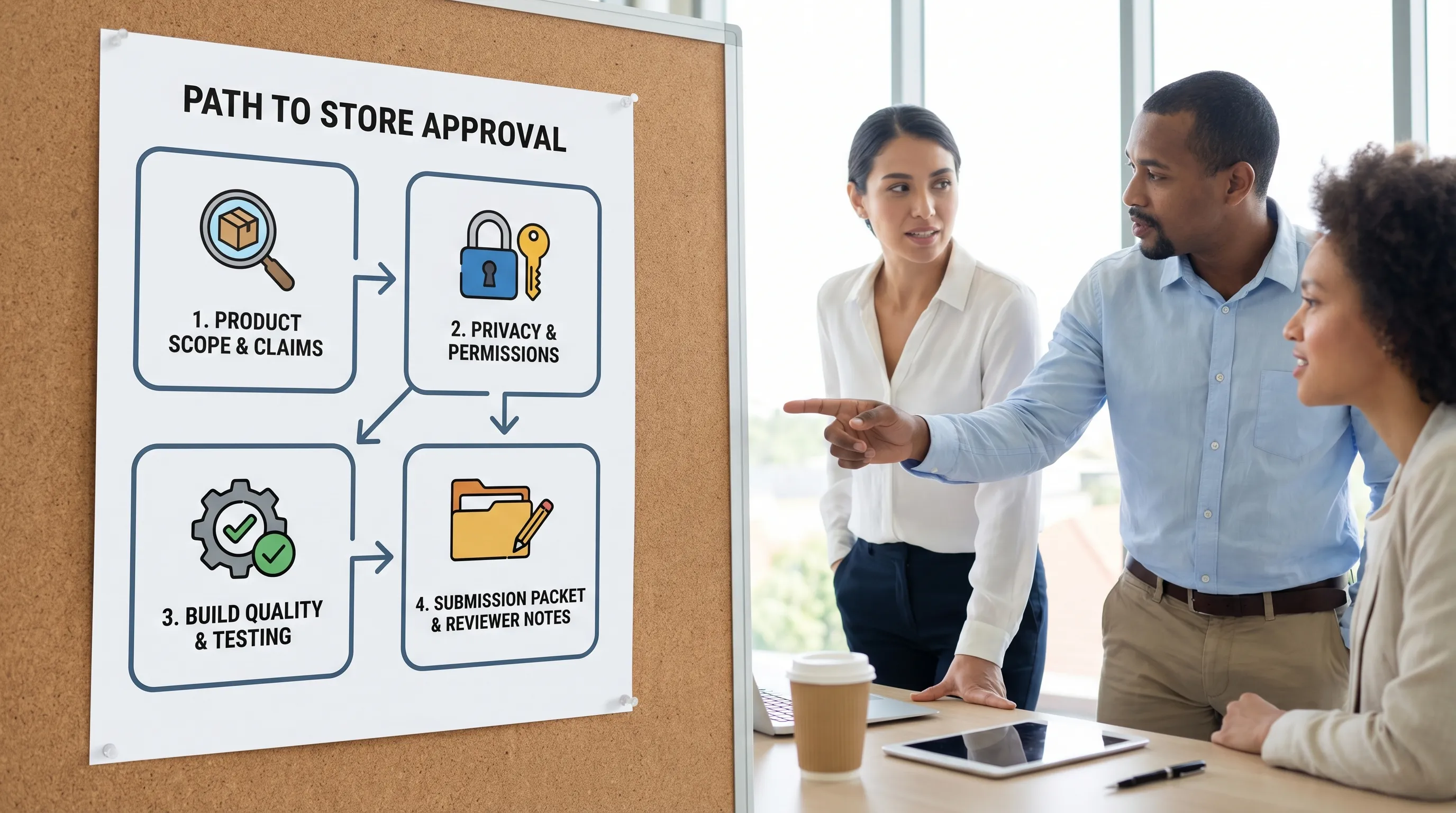
1) Store listing requirements: what you promise must be what you ship
A common cause of rejection is not a deep technical bug, it is a mismatch between what your listing promises and what the app actually does.
What both stores expect
- Accurate app name and description (no exaggerated claims, no bait-and-switch features).
- Screenshots and previews that reflect real in-app UI and the current version.
- Correct category selection and appropriate age rating.
- Working support URL and contact details.
Practical tips
- Treat the listing as a contract. If you claim “AI photo search,” the core flow should work reliably from first launch.
- Avoid implying medical, financial, or legal guarantees unless you can support them.
- If your app requires an account to function, make that clear in the listing.
For Apple-specific submission surfaces, App Store Connect documentation is the best reference point (start from App Store Connect Help).
2) Privacy and data requirements: disclose, minimize, secure
Privacy is not only policy, it is product design. Both stores increasingly expect you to:
- Collect only what you need.
- Explain why you need it.
- Protect it end-to-end.
- Let users control it, including deletion where applicable.
Apple: privacy labels, tracking disclosures, and permission purpose
Apple’s review frequently drills into permission prompts and user understanding. Expect scrutiny around:
- Permission “purpose strings” and timing (asking at the moment of need, not at first launch).
- Tracking disclosures if you track users across apps and websites.
- Privacy reporting consistency between what the app does and what you declare.
Apple maintains dedicated guidance on tracking via App Tracking Transparency.
Google Play: Data Safety and sensitive permissions
Google Play expects your Data Safety disclosures to match runtime behavior and embedded SDKs. If your app requests sensitive permissions, you typically need a clear feature justification and a least-privilege approach. The safest approach is to design features so you can work with:
- Lower-privilege permissions (when possible)
- On-device processing (when feasible)
- Opt-in flows with clear value to the user
Reference: Data safety section requirements.
Security expectations that reduce review risk
Neither store ships your threat model for you. A solid baseline that reduces both risk and rejection likelihood includes:
- TLS everywhere for network traffic
- Secure token storage (no secrets hard-coded in the app)
- Defensive logging (no personal data in logs)
- Careful third-party SDK selection and versioning
If you want a widely recognized framework for mobile security hygiene, OWASP’s Mobile Application Security guidance is a helpful baseline.
3) Account, login, and deletion: plan your “exit ramps” early
Store reviewers often test:
- Can a user use the app without forced sign-up when the app does not truly require an account?
- If an account is required, is the value clear before login?
- Can the user delete their account (and does the deletion mechanism work as described)?
Even if your app is fully account-based (SaaS companion apps, marketplaces, productivity tools), you should avoid dead ends:
- Provide a working password reset
- Provide support contact inside the app
- Provide clear error states for locked, unverified, or banned accounts
4) Payments and monetization: follow the in-app purchase rules
Monetization is one of the most sensitive areas for enforcement.
Digital goods usually require platform billing
If you sell digital content, features, or subscriptions consumed inside the app, both Apple and Google generally require their in-app billing mechanisms.
- Apple reference: In-App Purchase
- Google reference: Play Billing
What reviewers look for
- Purchase flow works reliably in sandbox/test environments
- Subscription terms are clear inside the app (pricing, renewal, cancellation)
- “Restore purchases” behavior (where applicable) is correct
- No misleading calls-to-action that route around platform rules
If you are unsure whether your product is “digital” or “physical,” resolve it during discovery, not after engineering.
5) Content, UGC, and safety: moderation is a product requirement
If your app includes any form of user-generated content (UGC) like profiles, posts, comments, messaging, uploads, or reviews, you should assume the stores expect:
- A way to report content and users
- A way to block users
- A moderation policy (what is disallowed and what happens when rules are violated)
- Reasonable enforcement (especially for abusive or sexual content, hate, harassment, and illegal activity)
This is one of the most common “surprise” requirements for startups that add community features late.
6) Technical app requirements: build and runtime quality still matter
Policies get attention, but basic technical quality is still a top rejection driver.
Baseline technical expectations
- The app should not crash during normal review flows.
- All major screens should be functional (no “coming soon” dead buttons in core navigation).
- Performance should be acceptable on supported devices.
- The app should behave predictably with poor connectivity.
Platform-specific technical realities
- Apple: Signing, entitlements, and capabilities must be configured correctly. Reviewers will test permission prompts, background modes, and deep links if present.
- Google Play: Device compatibility, manifest declarations, and policy-related SDK behavior are frequently evaluated by automated systems.
API level and toolchain freshness (especially for Android)
Google Play enforces target API level requirements that evolve over time, and older targets can block updates. Plan for regular platform maintenance rather than “one-and-done” shipping. Reference: Target API level requirements.
7) Regulated industries: add compliance into scope, not into QA
Some apps carry extra burden because the app’s domain implies safety, legality, or regulated data.
Examples:
- Health and wellness: claims, disclaimers, sensitive data handling.
- Finance and crypto: identity, risk disclosures, and additional policy constraints.
- Kids apps: strict privacy and content standards.
- Travel: accurate border guidance and clear disclaimers.
For travel experiences specifically, if your app needs to help users with entry requirements or eVisa workflows, it can be safer to integrate with a specialist service rather than improvising compliance-critical flows. Some teams partner with providers like SimpleVisa to streamline border administration as part of the travel product.
8) The review process: ship a “reviewer-friendly” submission
Think of review as a test plan executed by someone who has never seen your product.
Apple review flow (typical)
- You submit via App Store Connect
- Reviewers may request demo credentials, additional info, or clarifications
- Rejections often cite a guideline section and a specific screen or behavior
Google Play review flow (typical)
- You submit via Play Console
- Automated checks can flag permissions, SDKs, or disclosures
- Human review may follow for sensitive categories or policy triggers
A submission packet that reduces back-and-forth
Instead of scrambling after a rejection, prepare a lightweight packet you can reuse for every release:
- Reviewer notes that explain the core value and the primary user journey
- Demo credentials (and a stable demo environment)
- A short “where to find it” map for non-obvious features
- Privacy policy URL and what data is collected (high level)
- Monetization explanation (what is paid, where billing happens)
- Known limitations (if any) and why they are not blocking
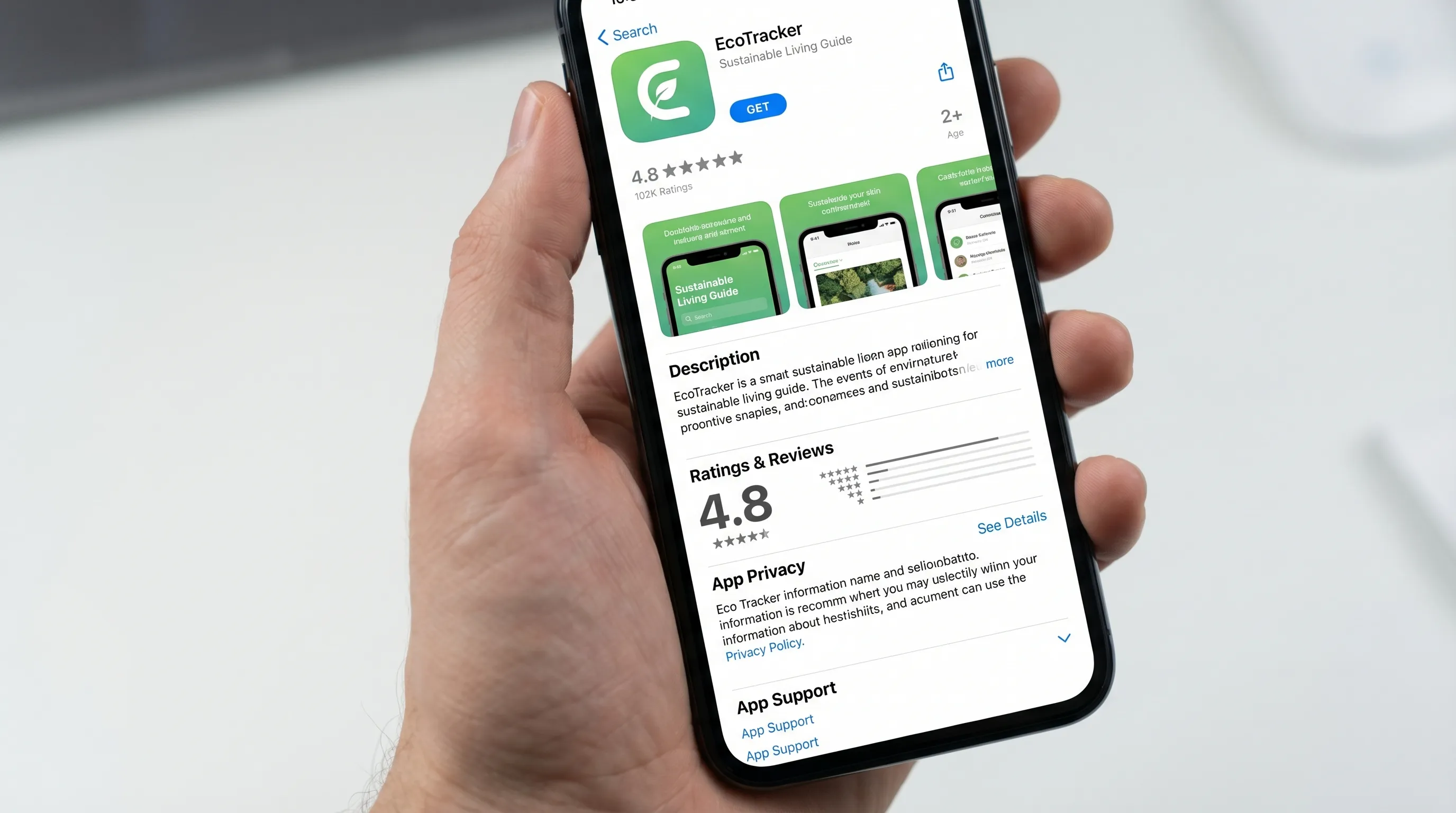
Common rejection triggers (and how to design them out)
Here are frequent causes of rejection across both stores, phrased as preventable product decisions:
- Permission walls on first launch: Progressive permissioning typically performs better and reviews better.
- Inaccurate privacy disclosures: Align SDK behavior, analytics configuration, and declared data collection.
- Non-functional core experience: If the main feature depends on external hardware, paid content, or a partner API, provide a reviewer path.
- UGC without safety controls: Add reporting and moderation before launch.
- Confusing subscription UX: Make pricing and renewal clear, avoid dark patterns.
- Metadata drift: Update screenshots and copy when the app changes.
Frequently Asked Questions
Do Apple and Google have the same app store app requirements? They overlap (privacy, security, accurate listings, stable functionality), but enforcement differs. Apple often focuses on UX clarity and guideline interpretation, Google Play heavily enforces policy and permission compliance at scale.
What is the fastest way to avoid App Store rejection? Build a reviewer-friendly release: stable core flows, progressive permissions, accurate privacy disclosures, correct billing, and clear reviewer notes with demo access.
Do I need a privacy policy even for an MVP? In most cases, yes. If your app collects any personal data, uses analytics, or involves accounts, a privacy policy and accurate disclosures are table stakes.
How do I handle account deletion requirements? Design an in-app path for deletion (or a clearly documented request flow where allowed), and ensure the behavior matches your privacy policy and store disclosures.
What if my app is in a regulated category like travel, health, or finance? Add compliance into product scope early. Store review risk increases when apps make sensitive claims or handle regulated workflows without clear disclosures and user protections.
Build a store-ready app without last-minute surprises
If you are a funded team trying to ship fast, store compliance is easiest when it is baked into product strategy, UX, engineering, and release orchestration from day one.
Appzay partners with founders end-to-end to design, build, and launch premium iOS and Android apps, with the technical rigor required for smoother reviews (test-driven engineering, CI/CD, scalable architecture, and launch support). If you want a team that treats App Store and Google Play requirements as part of the build, not a last-minute scramble, explore Appzay at appzay.com.